> ## Documentation Index
> Fetch the complete documentation index at: https://docs.reixl.fun/llms.txt
> Use this file to discover all available pages before exploring further.
# 账号与订单
> 查看登录账号、Launch Console 权限、当前套餐和订单记录。
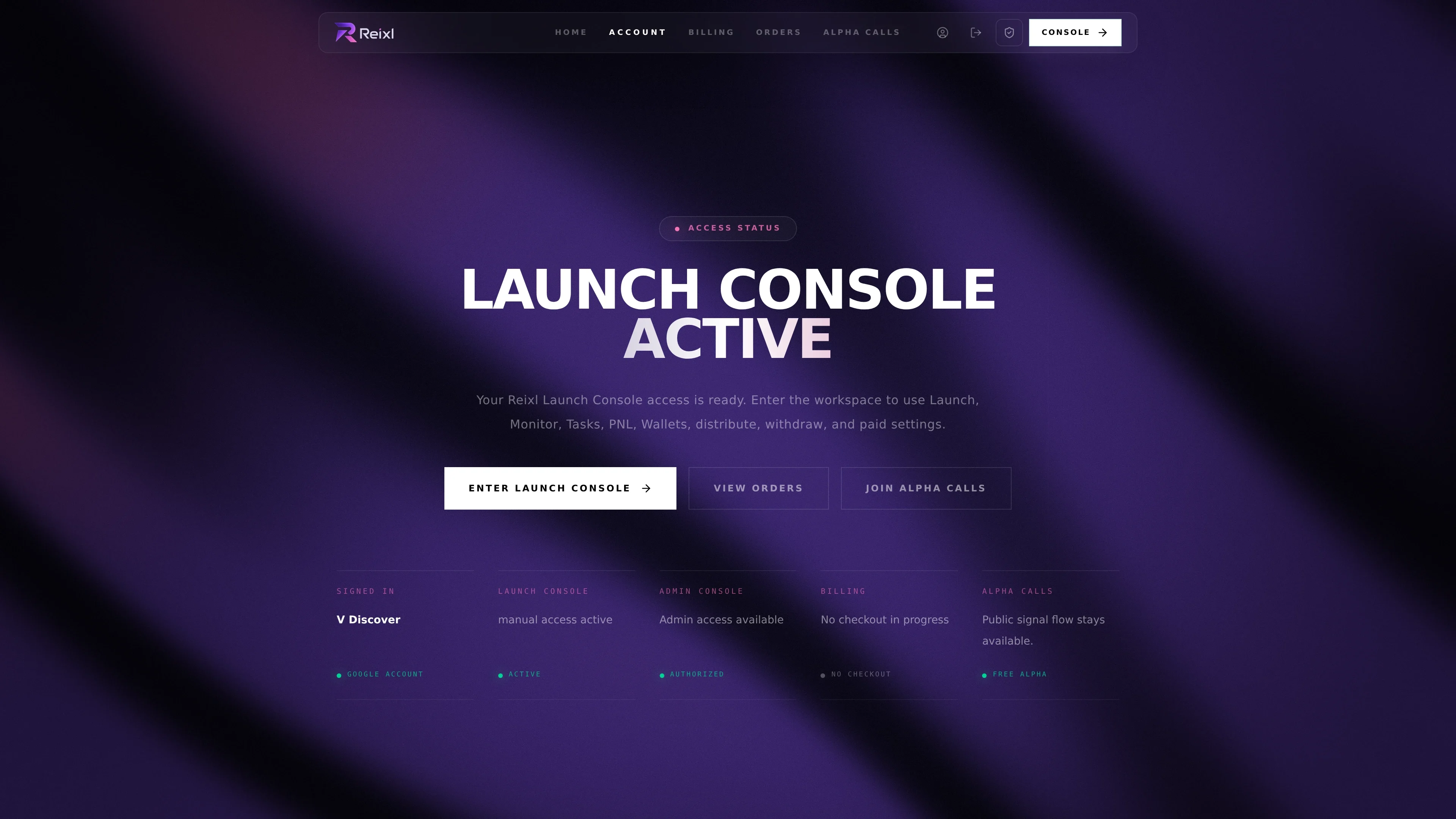
用 **Account** 查看你的 Launch Console 权限是否生效。
 ## Account 页面
你可以在这里:
* 查看当前登录账号
* 查看 Launch Console 是否已开通
* 进入 Launch Console
* 打开 Billing
* 打开 Orders
* 加入 Alpha Calls
如果 Launch Console 没有开通,去 **Billing** 选择套餐或继续未完成付款。
## Billing 页面
Billing 显示可选套餐、当前权限和未完成付款。
## Account 页面
你可以在这里:
* 查看当前登录账号
* 查看 Launch Console 是否已开通
* 进入 Launch Console
* 打开 Billing
* 打开 Orders
* 加入 Alpha Calls
如果 Launch Console 没有开通,去 **Billing** 选择套餐或继续未完成付款。
## Billing 页面
Billing 显示可选套餐、当前权限和未完成付款。
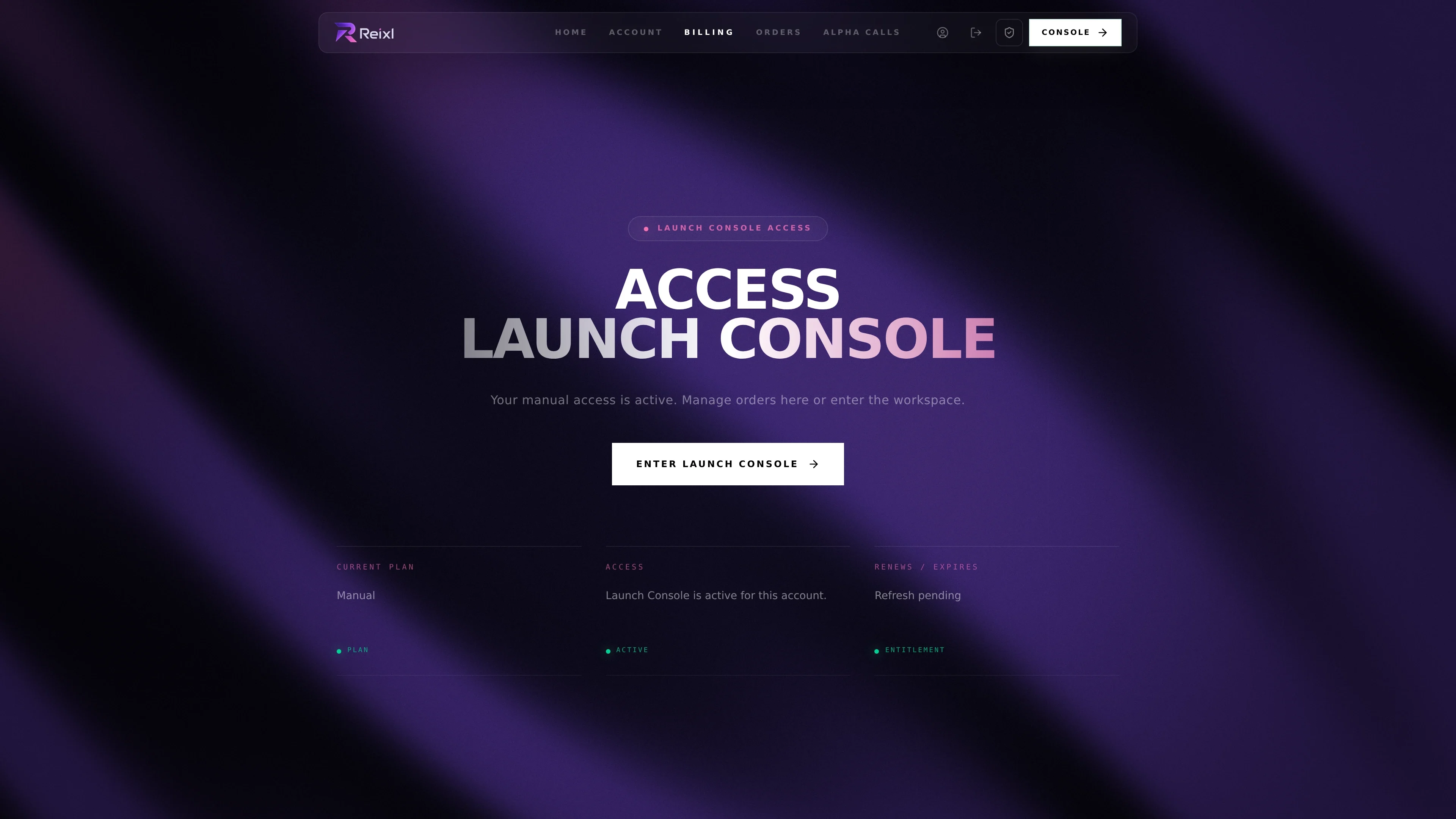 用它来:
* 选择月付或年付
* 继续未完成付款
* 确认权限是否生效
* 权限生效后返回 Launch Console
## Orders 页面
Orders 显示已确认订阅和当前付款记录。
用它来:
* 选择月付或年付
* 继续未完成付款
* 确认权限是否生效
* 权限生效后返回 Launch Console
## Orders 页面
Orders 显示已确认订阅和当前付款记录。
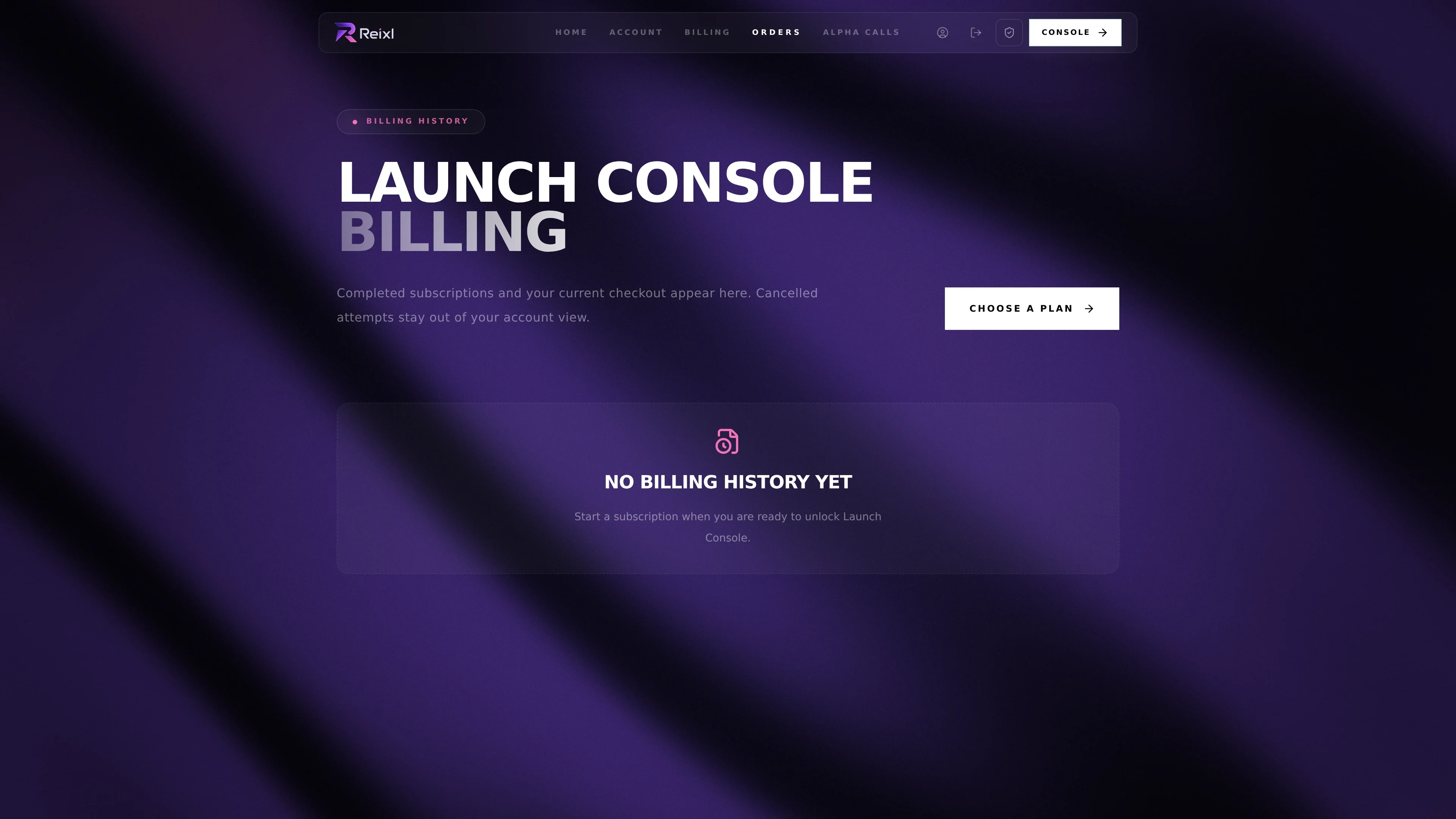 需要检查付款状态或收据时,打开对应订单。
## 权限不对时
先刷新 Account 或 Billing。仍然不对时,准备好账号邮箱、订单号、付款时间和截图,排查会快很多。
需要检查付款状态或收据时,打开对应订单。
## 权限不对时
先刷新 Account 或 Billing。仍然不对时,准备好账号邮箱、订单号、付款时间和截图,排查会快很多。