> ## Documentation Index
> Fetch the complete documentation index at: https://docs.reixl.fun/llms.txt
> Use this file to discover all available pages before exploring further.
# What Reixl Does
> A practical guide to using Reixl for signals, launches, wallets, live tasks, and PNL.
 Reixl is the console you use after you decide a signal is worth a closer look.
The usual path is simple: find the signal, build the Mint draft, prepare wallets, send the launch or task, watch it live, then sell, end, and review PNL.
## See the main screens
### Console
Reixl is the console you use after you decide a signal is worth a closer look.
The usual path is simple: find the signal, build the Mint draft, prepare wallets, send the launch or task, watch it live, then sell, end, and review PNL.
## See the main screens
### Console
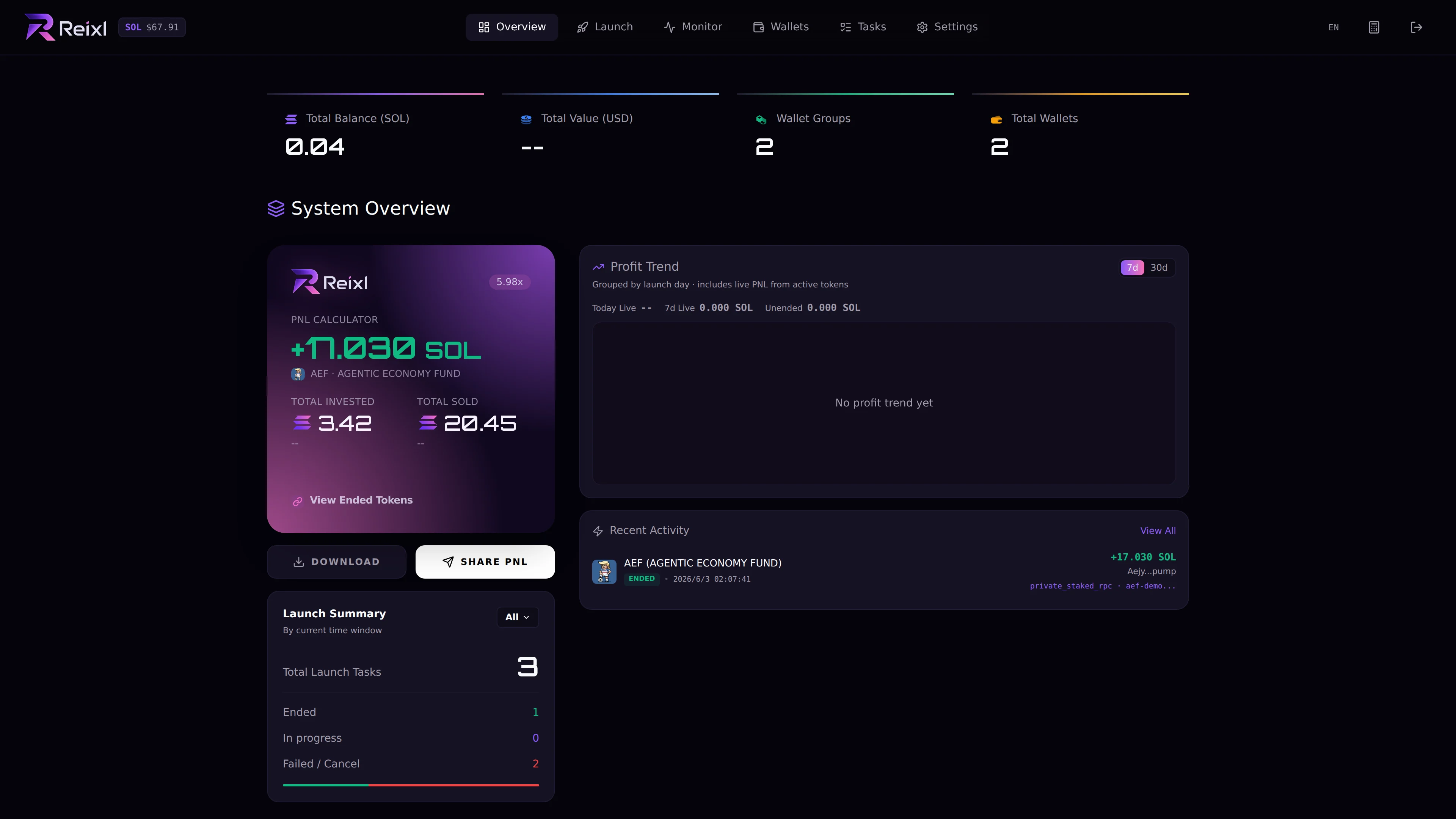 [Open Console Overview](dashboard/overview)
### Signal monitor
[Open Console Overview](dashboard/overview)
### Signal monitor
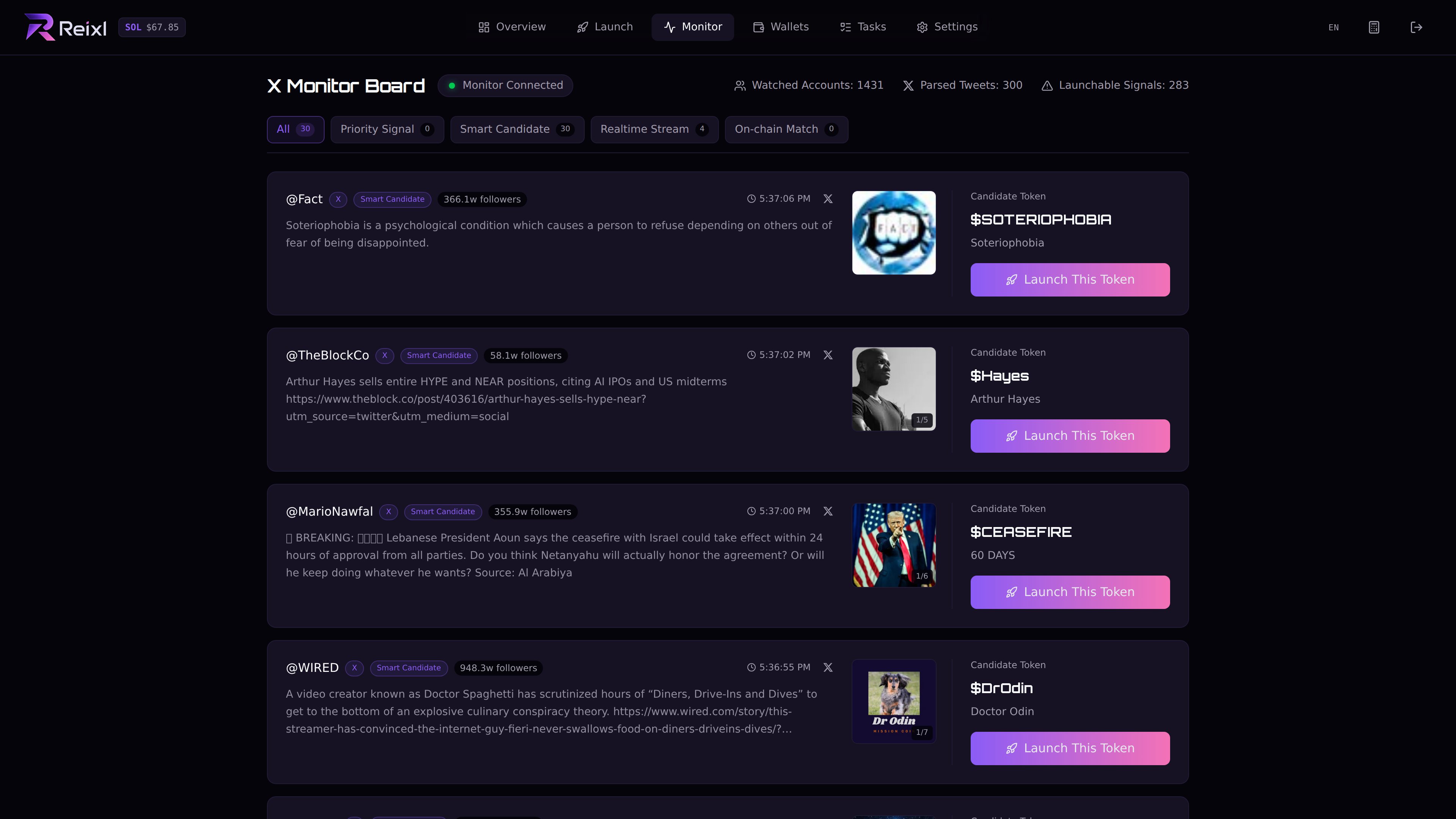 [Open Signal Monitor](monitor/overview)
### Live tasks
[Open Signal Monitor](monitor/overview)
### Live tasks
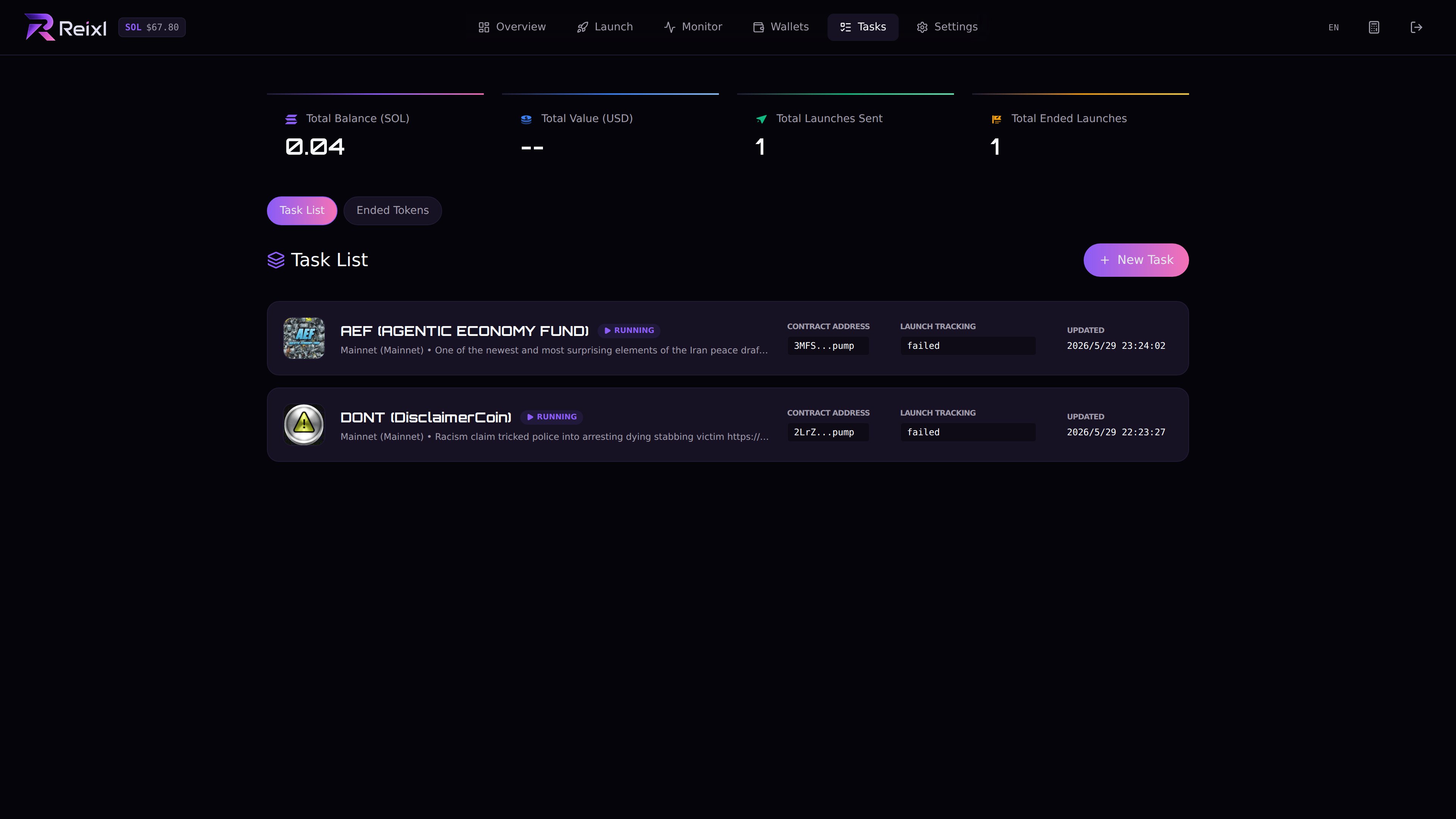 [Open Live Task Control](tasks/overview)
### Wallets
[Open Live Task Control](tasks/overview)
### Wallets
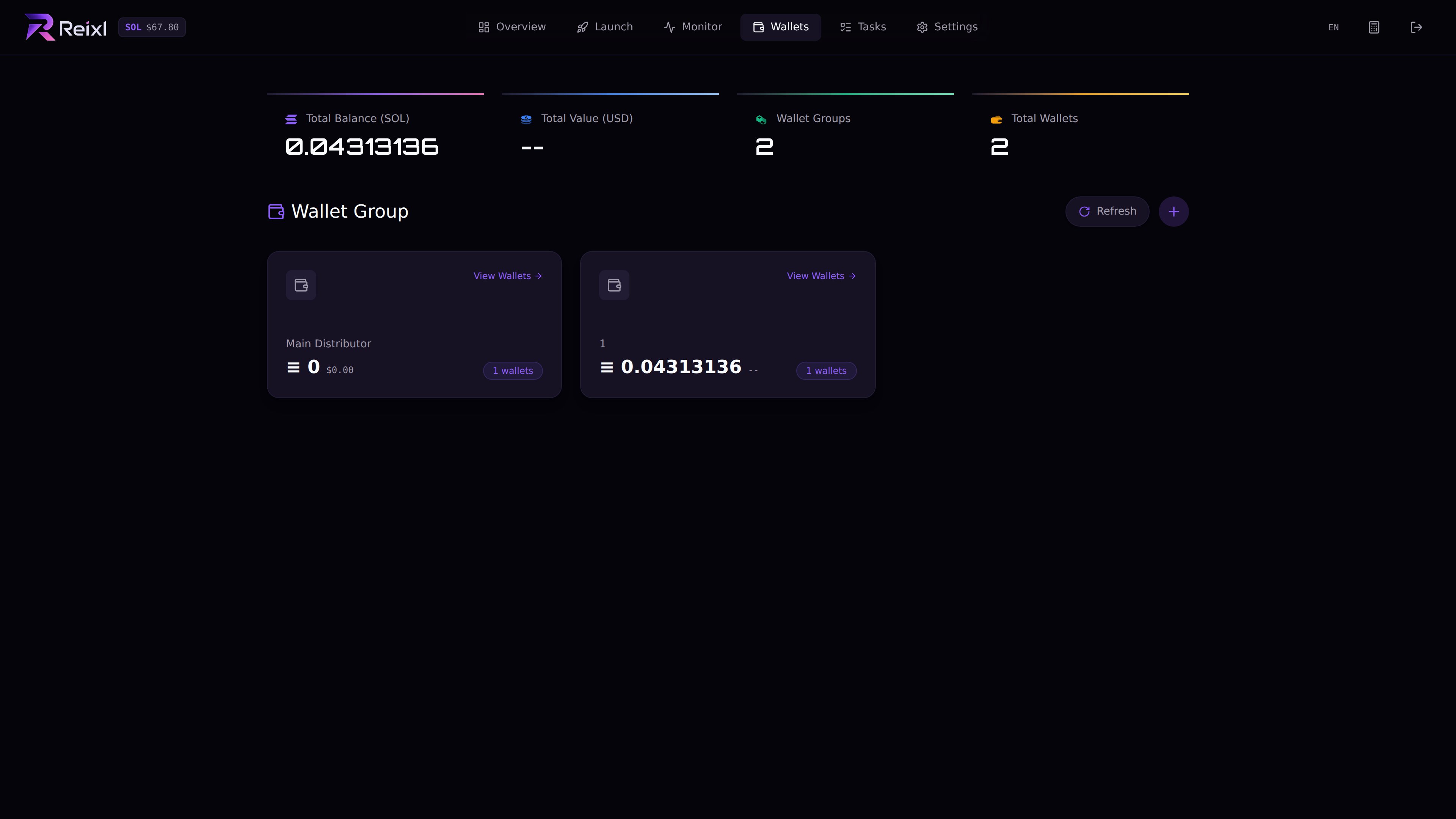 [Open Wallet Setup](wallets/overview)
## The basic flow
Signal -> Draft -> Wallets -> Launch -> Watch -> Sell or End -> Review PNL
## Main areas
| Area | What you do there |
| -------- | --------------------------------------------------------------------------- |
| Monitor | Watch signals and turn the one you want into a Mint draft. |
| Mint | Create a token manually or from a signal or mint address. |
| Wallets | Add your funding wallet, create wallet groups, send SOL, and sweep it back. |
| Tasks | Run Mint, Volume, Bumper, Buy, Sell, Turnover, and Snipe tasks. |
| PNL | Review ended launches and create PNL cards. |
| Settings | Set shortcuts, sell buttons, alerts, and unlock protection. |
## Start here
Read these before your first real run:
* [Before You Launch](start-here/before-you-launch)
* [Access and Billing](start-here/access-and-billing)
* [Status Basics](help/understanding-status)
* [Wallet Setup](wallets/overview)
Then jump to what you are doing:
* [Launch From Signal](launch/launch-from-monitor)
* [Manual Mint](launch/create-token)
* [Clone From Mint](launch/clone-token)
* [Live Task Control](tasks/overview)
* [Sell, Stop, and End](tasks/sell-and-end)
* [Verified PNL](pnl/overview)
## Keep in mind
Reixl makes the launch flow faster. It does not decide for you. Before sending, check the draft, wallets, SOL amount, and exit plan yourself.
[Open Wallet Setup](wallets/overview)
## The basic flow
Signal -> Draft -> Wallets -> Launch -> Watch -> Sell or End -> Review PNL
## Main areas
| Area | What you do there |
| -------- | --------------------------------------------------------------------------- |
| Monitor | Watch signals and turn the one you want into a Mint draft. |
| Mint | Create a token manually or from a signal or mint address. |
| Wallets | Add your funding wallet, create wallet groups, send SOL, and sweep it back. |
| Tasks | Run Mint, Volume, Bumper, Buy, Sell, Turnover, and Snipe tasks. |
| PNL | Review ended launches and create PNL cards. |
| Settings | Set shortcuts, sell buttons, alerts, and unlock protection. |
## Start here
Read these before your first real run:
* [Before You Launch](start-here/before-you-launch)
* [Access and Billing](start-here/access-and-billing)
* [Status Basics](help/understanding-status)
* [Wallet Setup](wallets/overview)
Then jump to what you are doing:
* [Launch From Signal](launch/launch-from-monitor)
* [Manual Mint](launch/create-token)
* [Clone From Mint](launch/clone-token)
* [Live Task Control](tasks/overview)
* [Sell, Stop, and End](tasks/sell-and-end)
* [Verified PNL](pnl/overview)
## Keep in mind
Reixl makes the launch flow faster. It does not decide for you. Before sending, check the draft, wallets, SOL amount, and exit plan yourself.