> ## Documentation Index
> Fetch the complete documentation index at: https://docs.reixl.fun/llms.txt
> Use this file to discover all available pages before exploring further.
# Operator Settings
> Set shortcuts, sell buttons, alerts, and unlock protection before a live run.
Set these before a live run, not while you are trying to sell or stop a task.
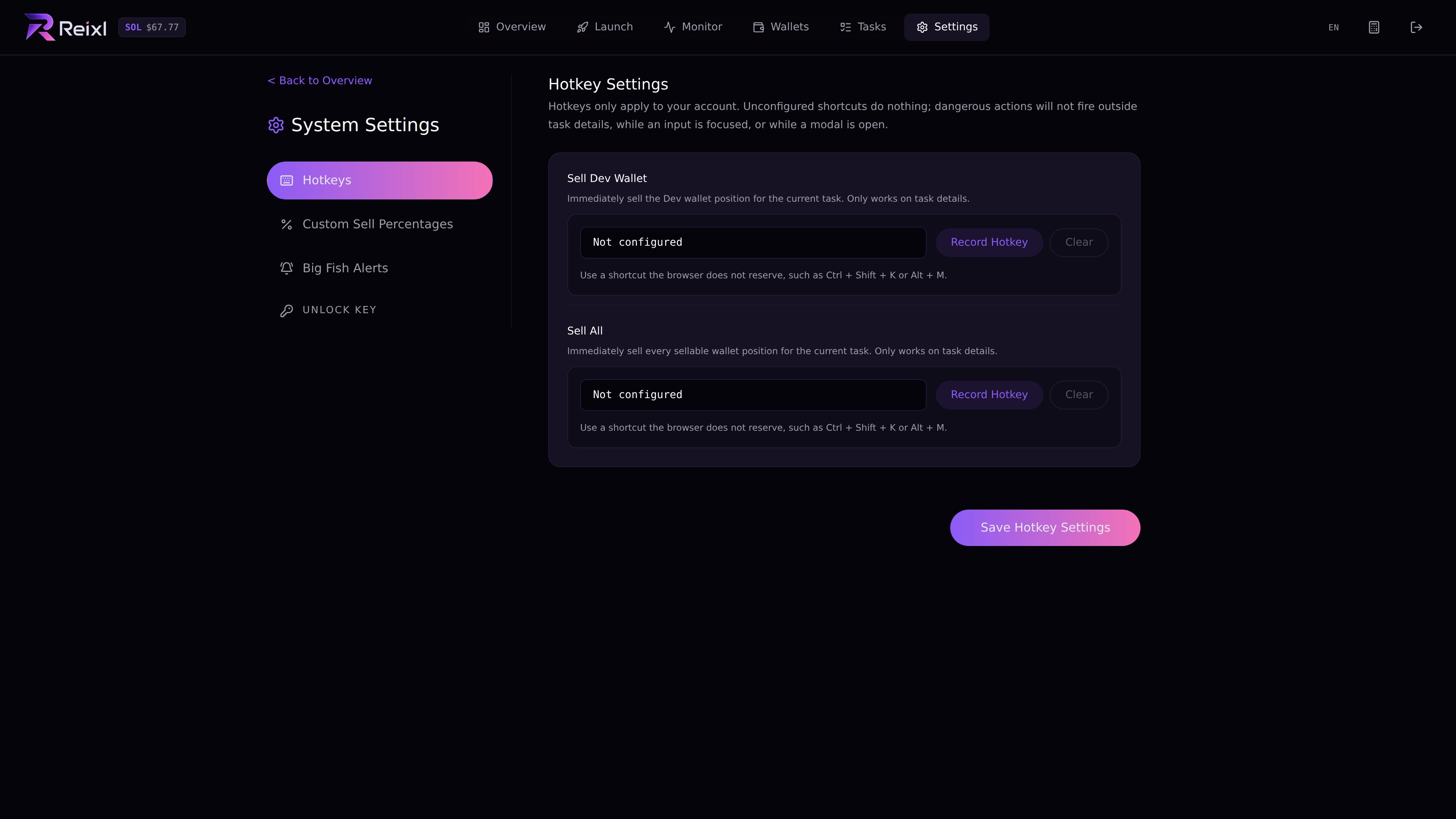 ## Keybinds
Keybinds are for actions you may need to hit quickly.
Only bind actions you are comfortable using quickly, such as:
* sell dev wallet
* sell selected wallet
* sell all wallets
* stop active task
* end mint
Test keybinds with a low-risk run first.
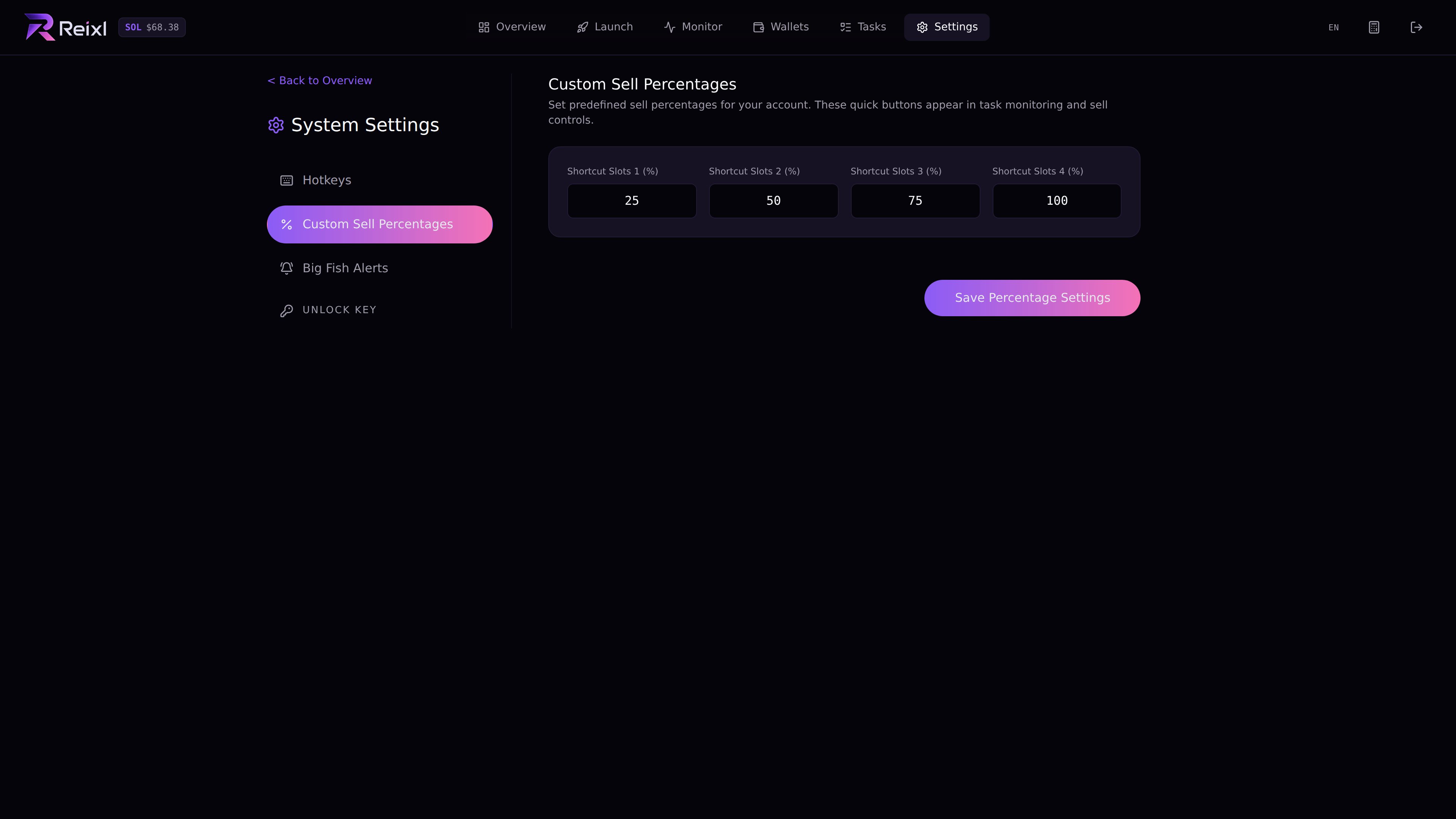
## Sell percentages
Set the sell percentages you actually use. They become quick sell buttons during live tasks.
## Keybinds
Keybinds are for actions you may need to hit quickly.
Only bind actions you are comfortable using quickly, such as:
* sell dev wallet
* sell selected wallet
* sell all wallets
* stop active task
* end mint
Test keybinds with a low-risk run first.
## Sell percentages
Set the sell percentages you actually use. They become quick sell buttons during live tasks.
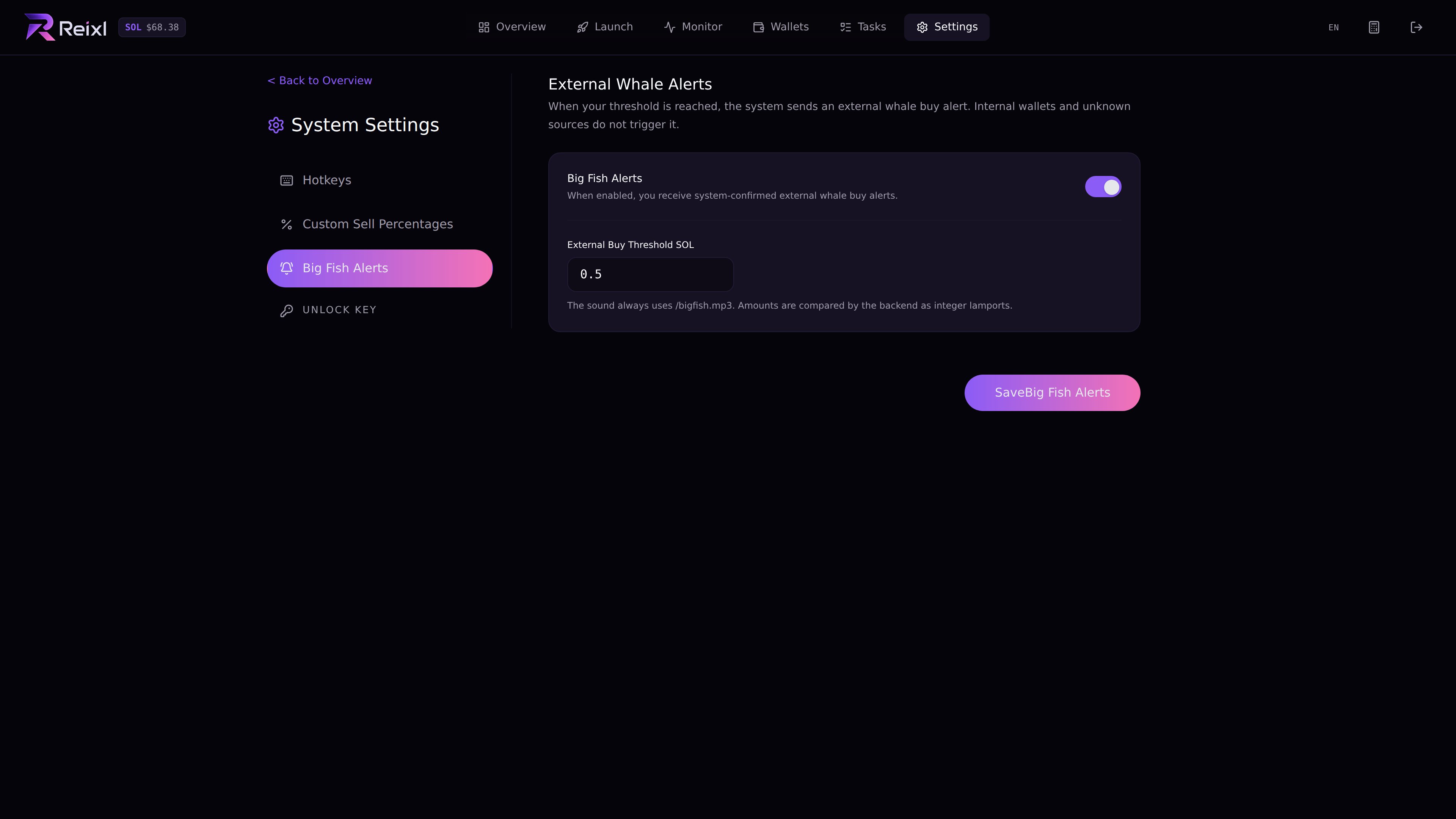
 ## Alerts
Use alerts for events you really want to notice. If everything alerts, the important one is easier to miss.
## Alerts
Use alerts for events you really want to notice. If everything alerts, the important one is easier to miss.
 ## Unlock key
Unlock protects sensitive wallet actions such as private key reveal and export.
## Unlock key
Unlock protects sensitive wallet actions such as private key reveal and export.
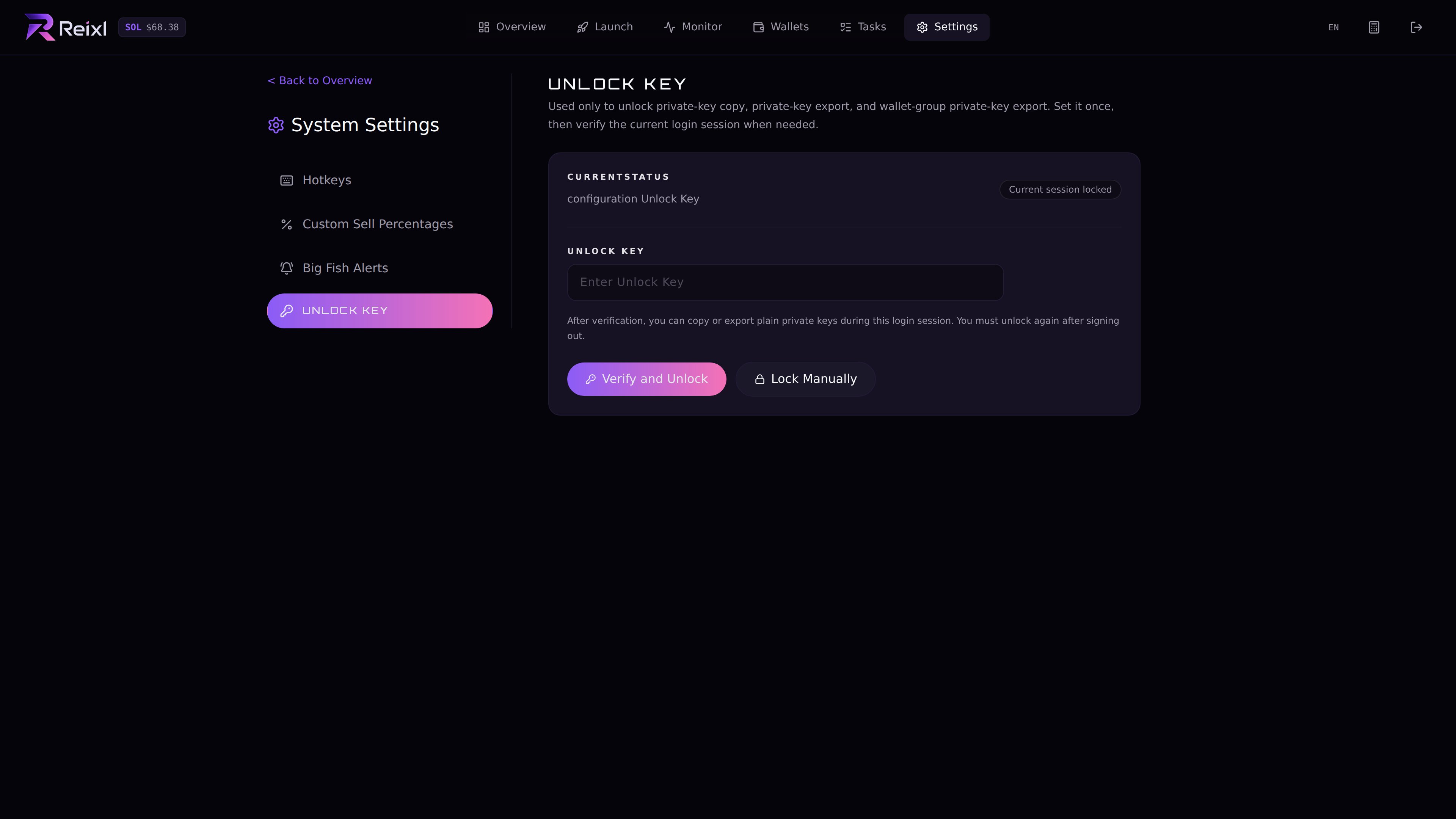 Keep it private. You will not need it for billing or troubleshooting.
## Before a real run
Check Settings again after changing your wallet setup, sell plan, or hotkeys.
Keep it private. You will not need it for billing or troubleshooting.
## Before a real run
Check Settings again after changing your wallet setup, sell plan, or hotkeys.