> ## Documentation Index
> Fetch the complete documentation index at: https://docs.reixl.fun/llms.txt
> Use this file to discover all available pages before exploring further.
# Buy and Sell Tasks
> Buy or sell a target token from selected wallets.
Use Buy and Sell when you want a direct action on a target mint.
## Buy task
Use Buy when selected wallets should buy the target token.
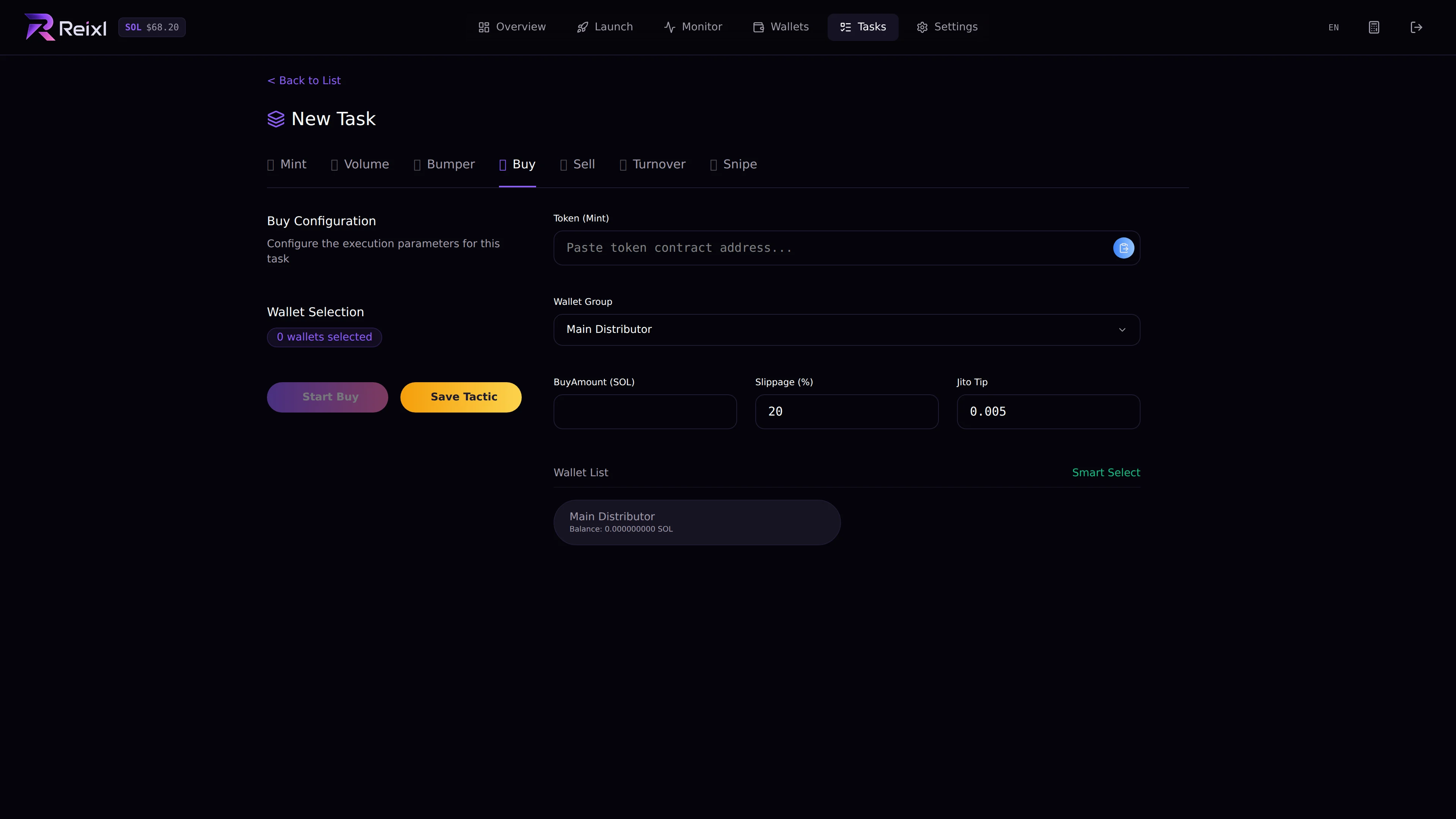 Check:
* target mint
* Wallet Group
* selected wallets
* buy amount
* slippage
* Jito tip if shown
* balances
## Sell task
Use Sell when selected wallets should sell the target token.
Check:
* target mint
* Wallet Group
* selected wallets
* buy amount
* slippage
* Jito tip if shown
* balances
## Sell task
Use Sell when selected wallets should sell the target token.
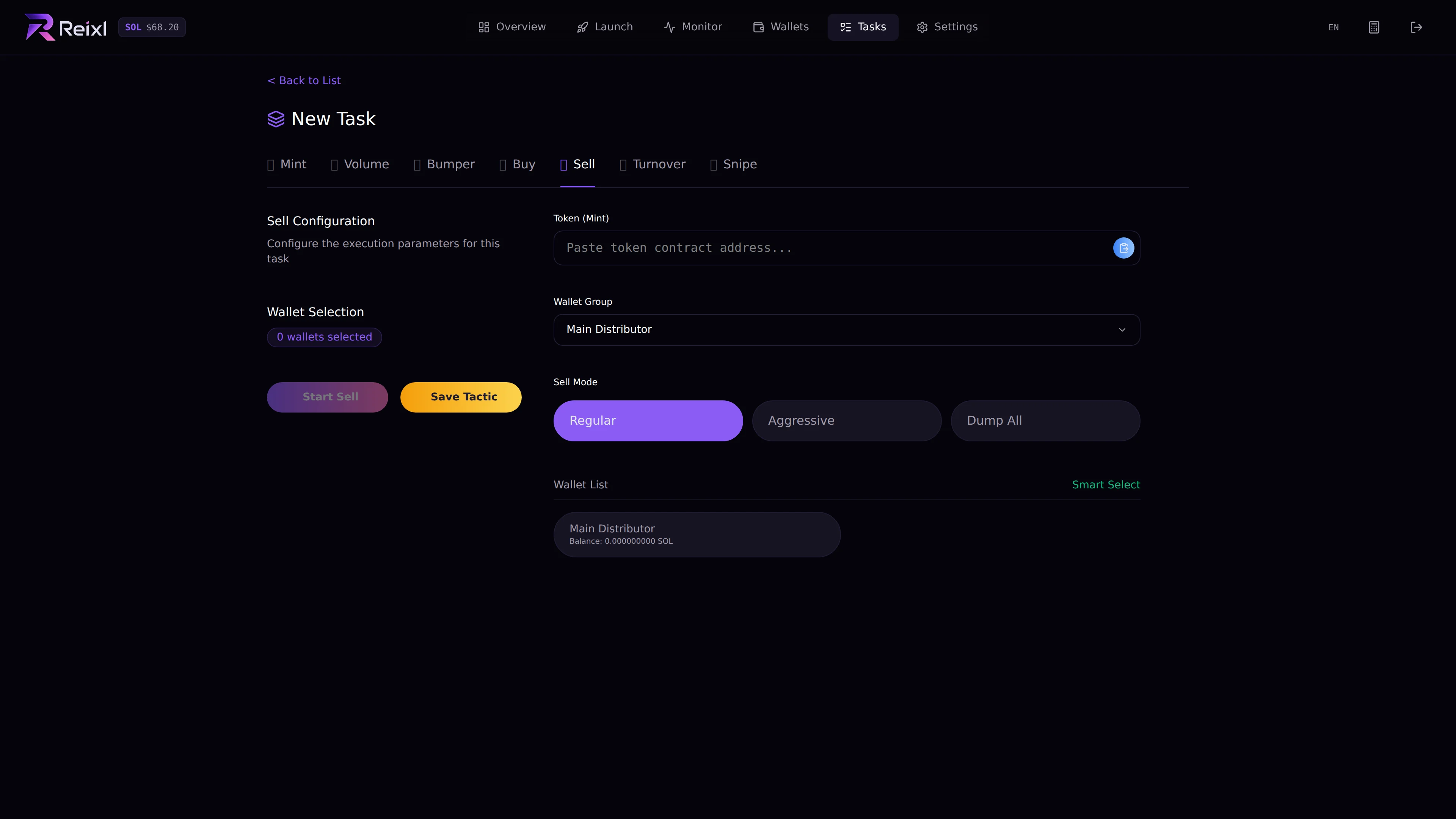 Check:
* target mint
* Wallet Group
* selected wallets
* sell mode or percentage
* whether you want selected wallets or all wallets
Sell modes:
| Mode | Typical meaning |
| ---------- | ----------------------------------------------------------------- |
| Regular | Smaller sell, around half when shown that way in the UI. |
| Aggressive | Larger sell, around three quarters when shown that way in the UI. |
| Dump All | Sell everything selected. |
## Steps
1. Open **Tasks > New Task**.
2. Choose **Buy** or **Sell**.
3. Paste the mint.
4. Choose the Wallet Group.
5. Select wallets.
6. Fill the amount or sell mode.
7. Start the task.
8. Watch the task detail.
## Save as tactic
If you will reuse the setup, save it as a tactic. Only enable auto-run after launch if you are sure.
Check:
* target mint
* Wallet Group
* selected wallets
* sell mode or percentage
* whether you want selected wallets or all wallets
Sell modes:
| Mode | Typical meaning |
| ---------- | ----------------------------------------------------------------- |
| Regular | Smaller sell, around half when shown that way in the UI. |
| Aggressive | Larger sell, around three quarters when shown that way in the UI. |
| Dump All | Sell everything selected. |
## Steps
1. Open **Tasks > New Task**.
2. Choose **Buy** or **Sell**.
3. Paste the mint.
4. Choose the Wallet Group.
5. Select wallets.
6. Fill the amount or sell mode.
7. Start the task.
8. Watch the task detail.
## Save as tactic
If you will reuse the setup, save it as a tactic. Only enable auto-run after launch if you are sure.