> ## Documentation Index
> Fetch the complete documentation index at: https://docs.reixl.fun/llms.txt
> Use this file to discover all available pages before exploring further.
# Private Keys and Unlock
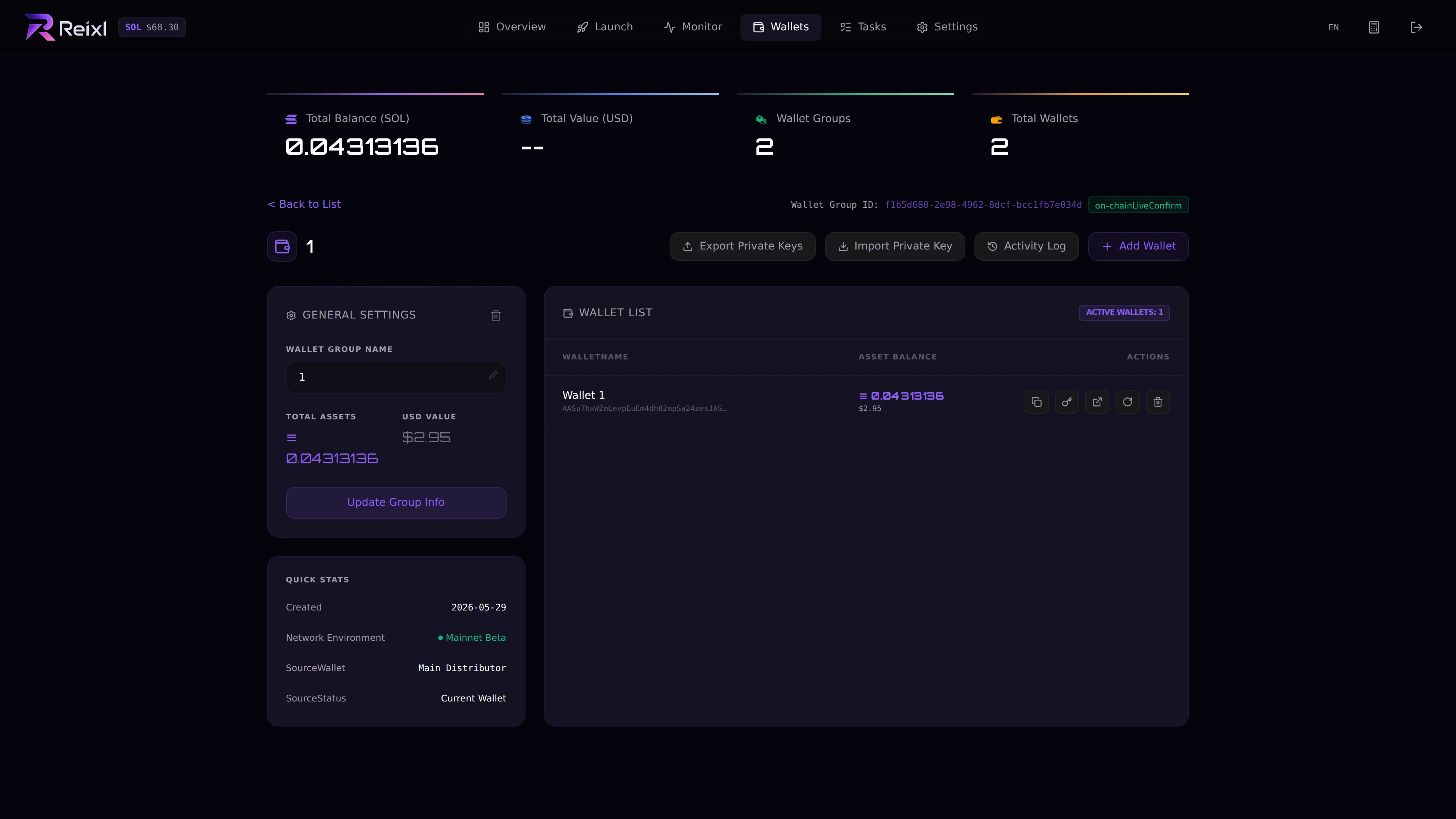
> Reveal, copy, or export wallet private keys only when you mean to control those wallets outside Reixl.
Private key actions are sensitive.
Anyone with a private key can control that wallet.
 ## Unlock key
Some private key actions require an unlock key. If you have not set one, Reixl will ask you to create it before copying or exporting.
Keep the unlock key private.
## Copy one private key
Use this when you need one wallet key.
1. Open the Wallet Group.
2. Find the wallet.
3. Click the key action.
4. Enter or set the unlock key.
5. Copy the key only when you are ready to store it privately.
## Export group private keys
Use export when you need the full group.
## Unlock key
Some private key actions require an unlock key. If you have not set one, Reixl will ask you to create it before copying or exporting.
Keep the unlock key private.
## Copy one private key
Use this when you need one wallet key.
1. Open the Wallet Group.
2. Find the wallet.
3. Click the key action.
4. Enter or set the unlock key.
5. Copy the key only when you are ready to store it privately.
## Export group private keys
Use export when you need the full group.
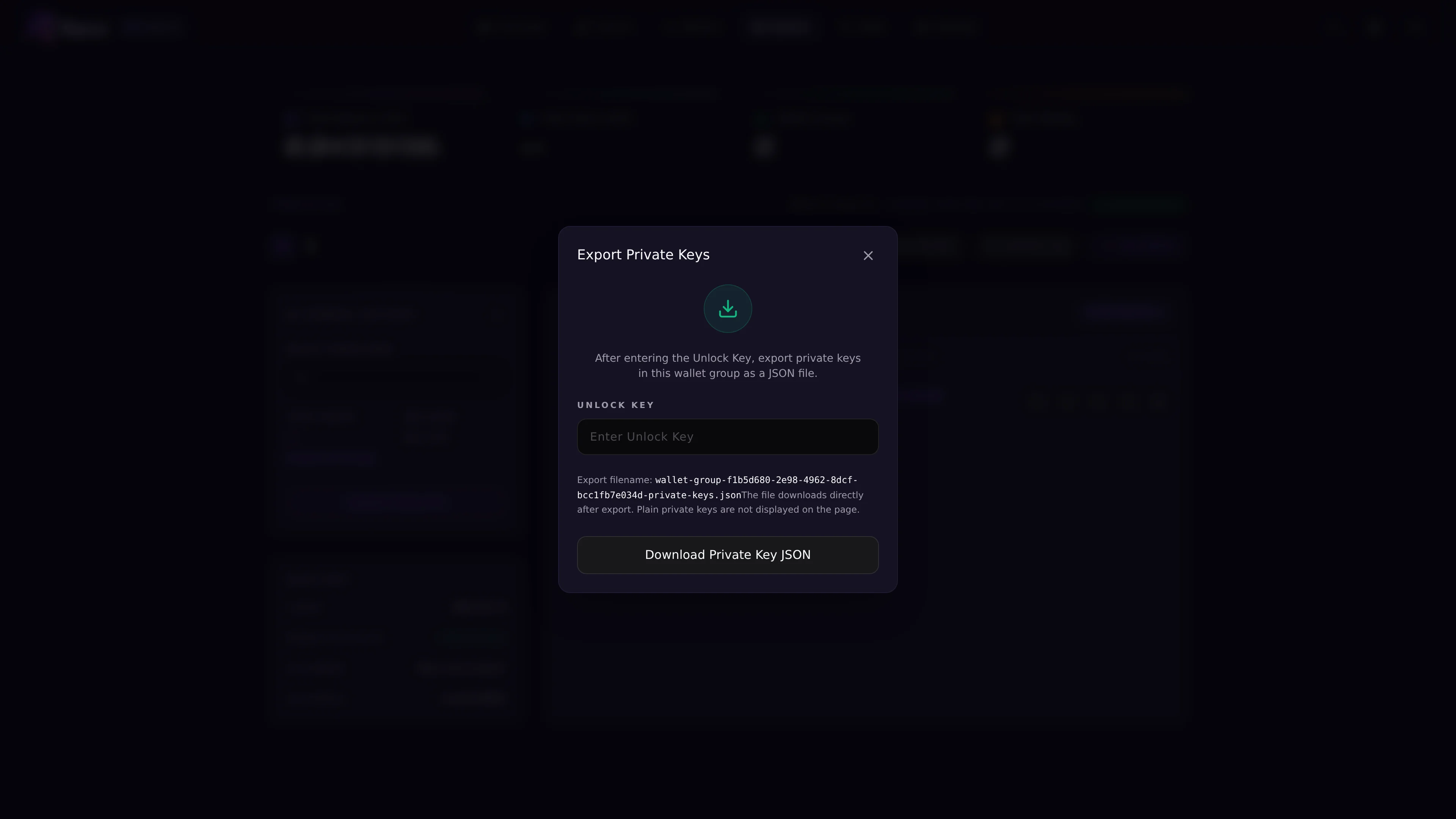 Download the file only when you need it, then store it somewhere you control.
## Safety rule
For troubleshooting, a public wallet address is usually enough. Private keys and unlock keys should stay with you.
Download the file only when you need it, then store it somewhere you control.
## Safety rule
For troubleshooting, a public wallet address is usually enough. Private keys and unlock keys should stay with you.