
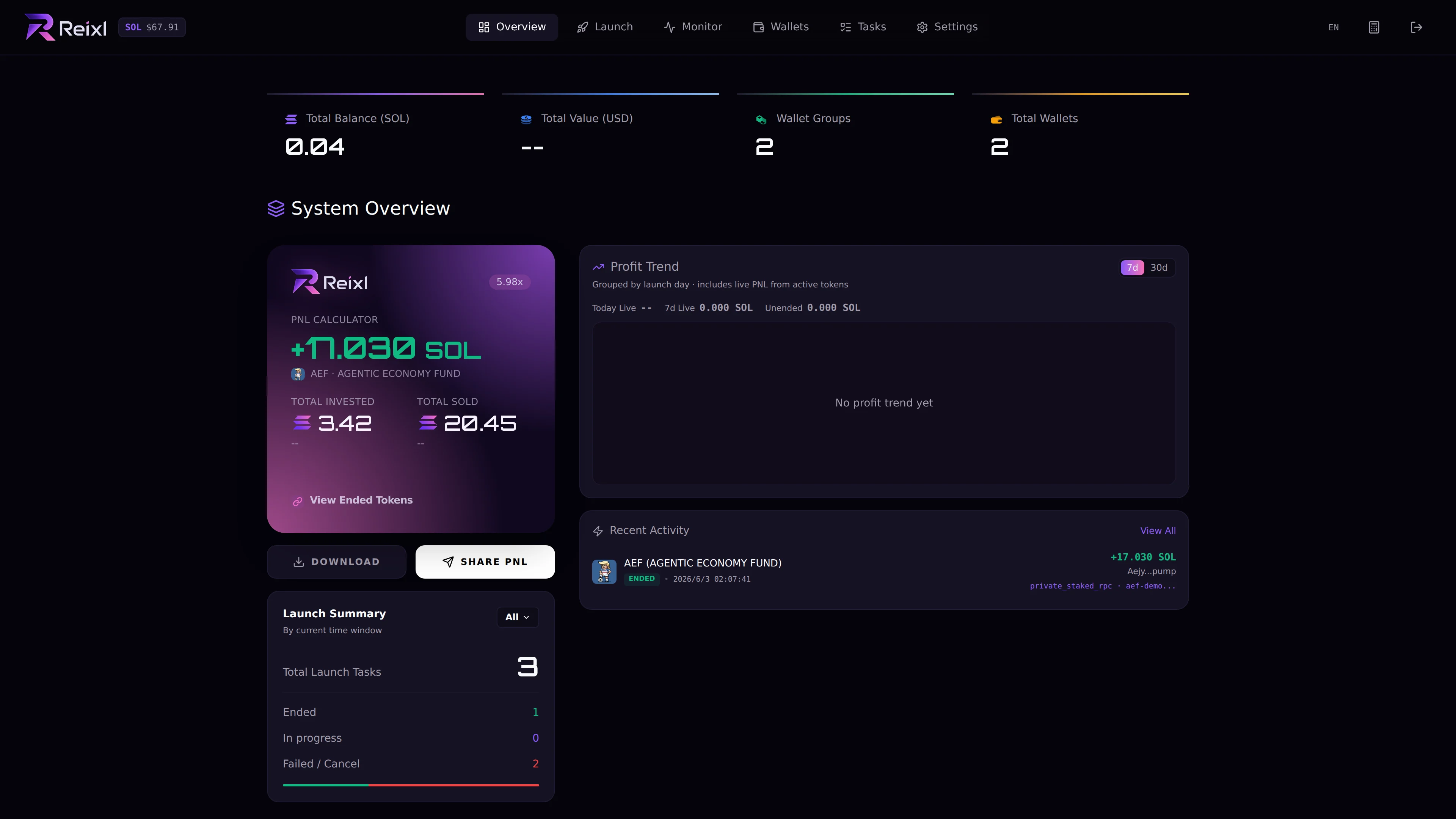
The Overview page is your first stop after entering the Launch Console. Use it to check the current state before opening a specific tool. Launch Console overview

What to look at

AreaWhat it tells you
Balance statsTotal SOL, USD estimate, wallet count, and group count.
Recent activityLatest launches and task changes.
Launch summarySent, active, failed, and ended launch counts.
PNL trendRecent result direction when data is available.
PNL card actionsCreate or share cards from ended results.

How to use it

Before starting a new run, check:
  • total SOL looks right
  • no old task still needs attention
  • recent failed or partial failed items were handled
  • ended launches match what you expect
Overview is a snapshot. Use the detailed page when you need to act.