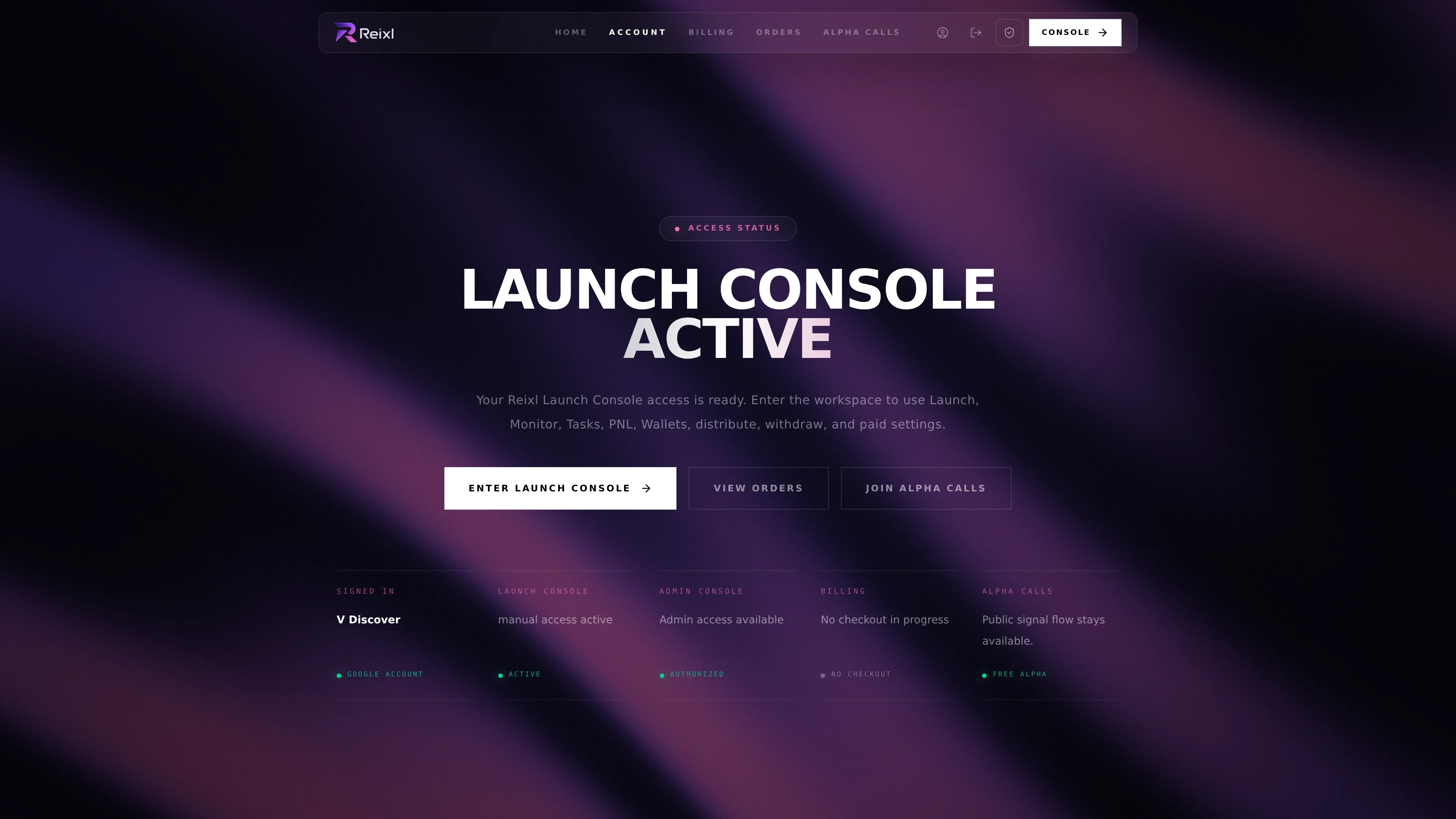
Account page
On the Account page you can:- see which account is signed in
- check whether Launch Console is active
- enter the Launch Console
- open Billing
- open Orders
- join Alpha Calls
Billing page
Billing shows the available plans, your current access, and any checkout that is still pending.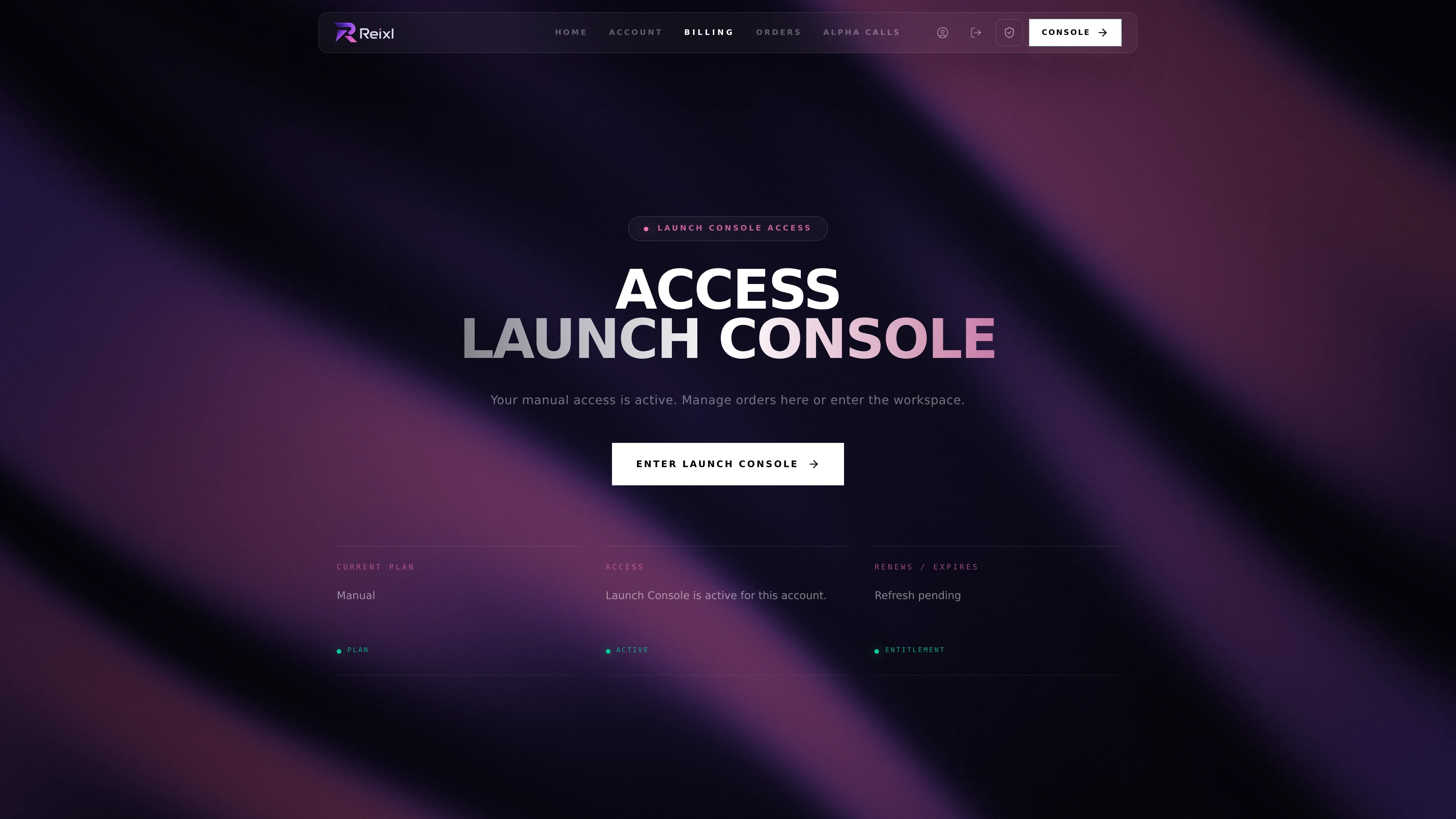
- choose monthly or yearly access
- continue an unfinished payment
- confirm whether access is active
- return to the Launch Console after access is active
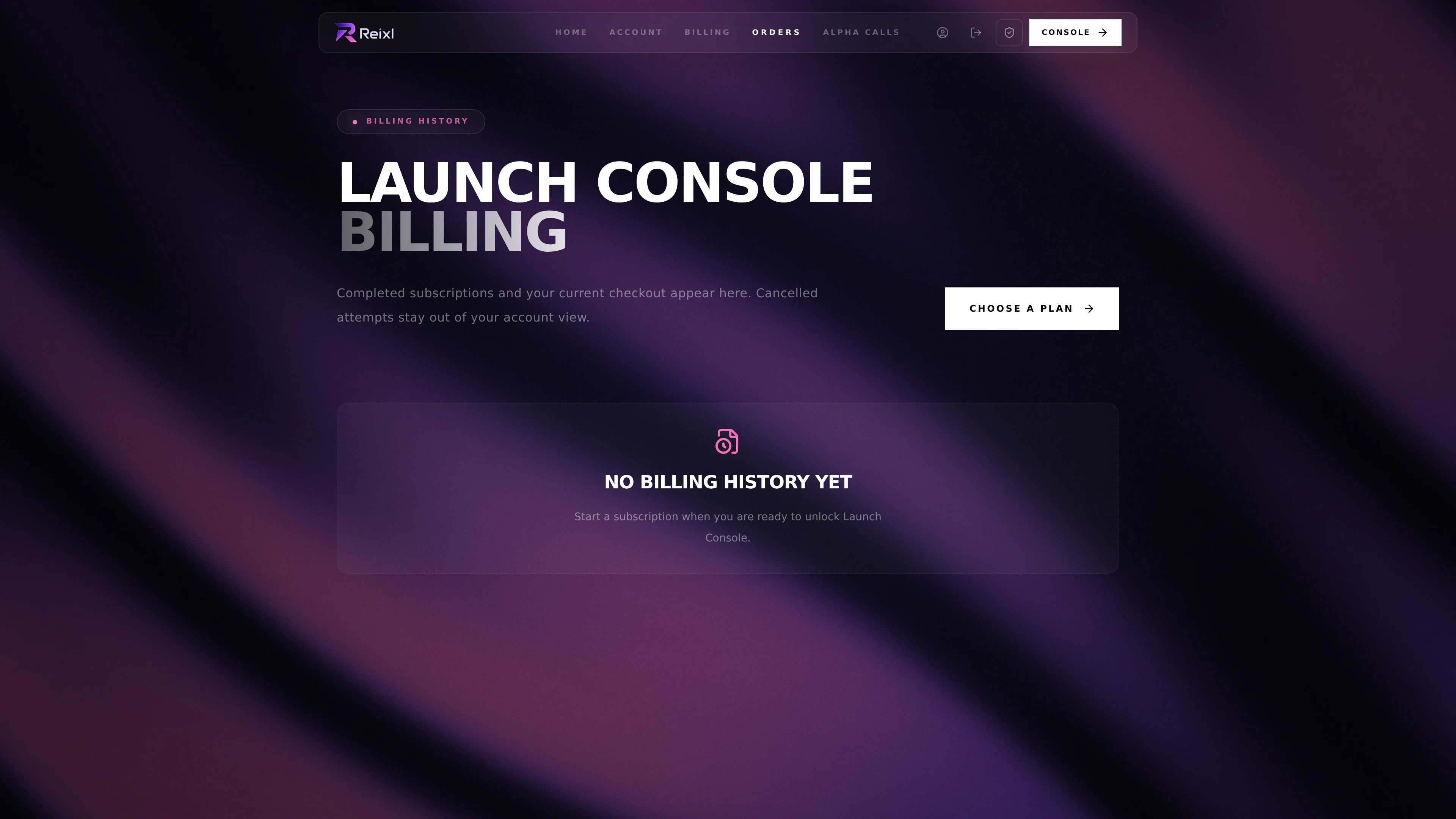
Orders page
Orders shows confirmed subscriptions and current checkout attempts.