
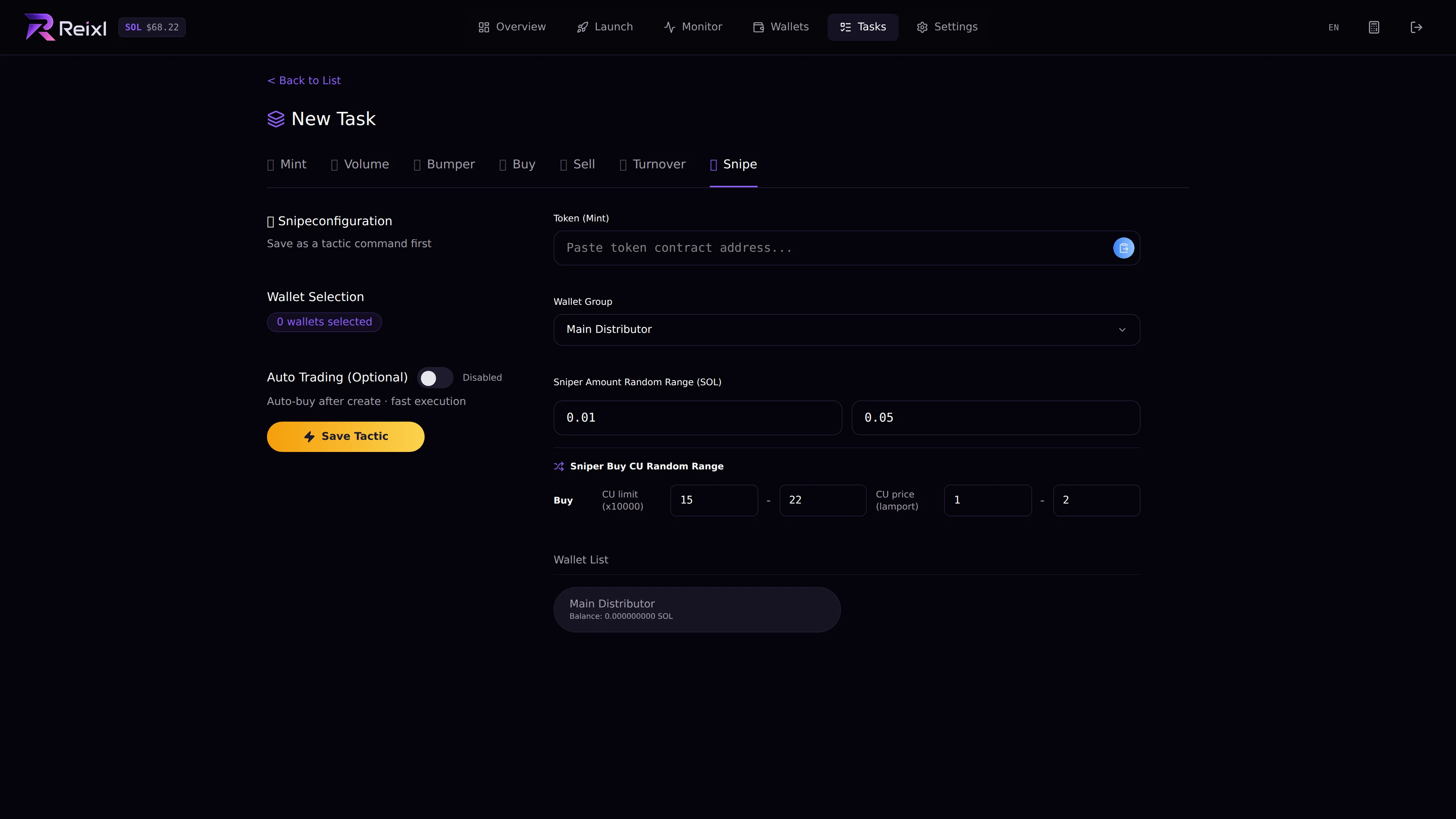
What you set
- target mint
- Wallet Group
- selected wallets
- minimum buy amount
- maximum buy amount
- buy fee settings when shown
- optional auto trade after launch
Steps
- Open Tasks > New Task > Snipe.
- Paste the target mint.
- Choose the Wallet Group.
- Select wallets.
- Set the buy amount range.
- Choose whether auto trade after launch should be enabled.
- Save the tactic.