
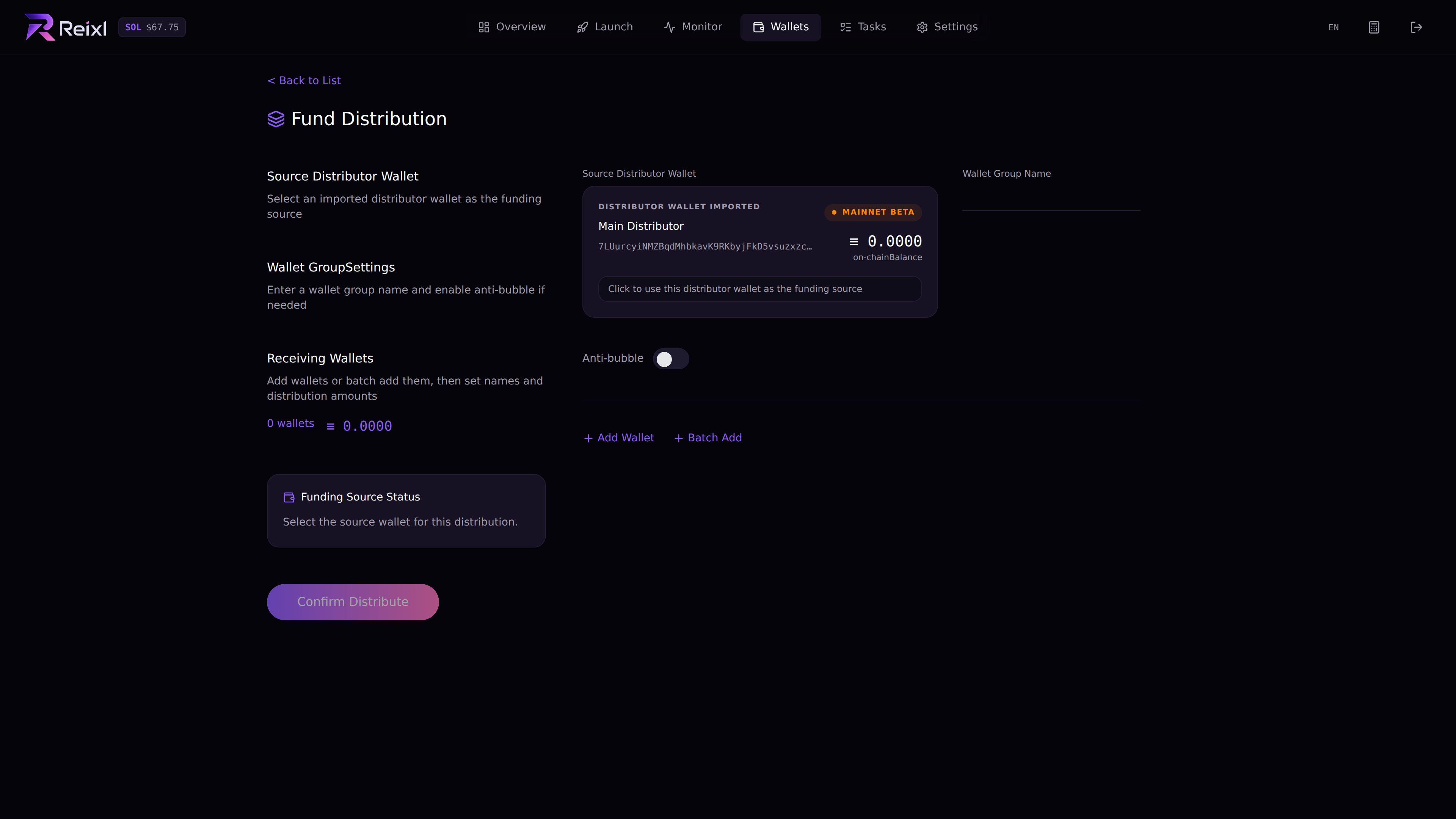
Before funding
Check:- Main Distributor is added
- Main Distributor balance is fresh
- target Wallet Group is correct
- the group has the right number of wallets
- the amount fits the run
- you keep extra SOL for fees and cleanup
Steps
- Open Wallets.
- Choose the distribution action.
- Select the Main Distributor source wallet.
- Enter the new group name.
- Add receiving wallets manually or use quick add.
- Enter the SOL amounts.
- Turn on private route only if you mean to use it.
- Review total amount, wallet count, and remaining SOL.
- Submit.
- Wait for the result.
- Refresh balances.