
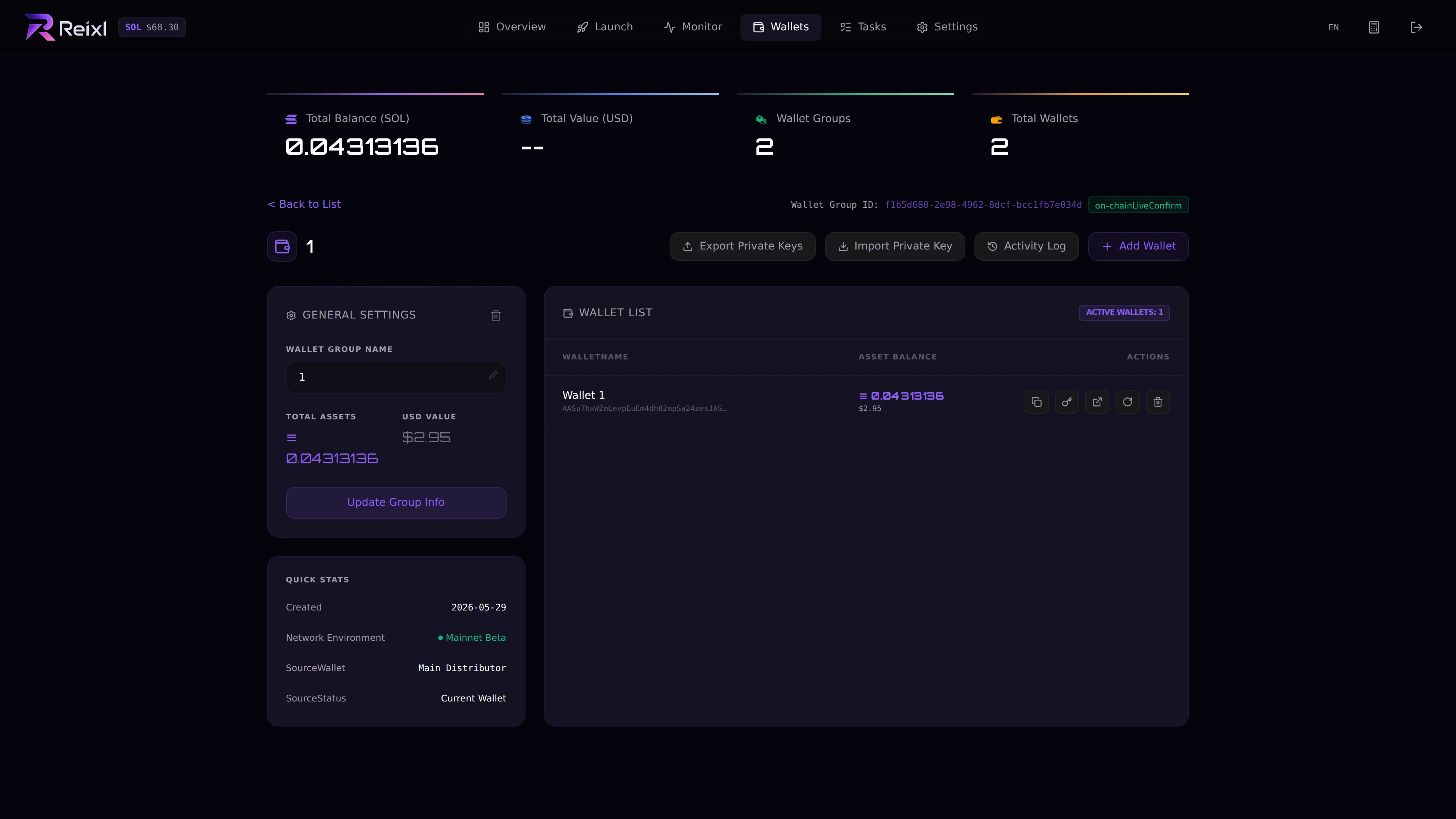
Open a Wallet Group when you need to manage the wallets inside it. Wallet group management

What you can do

  • rename the group
  • generate more wallets
  • import wallets into the group
  • refresh a wallet balance
  • copy a wallet address
  • delete a wallet
  • delete the group
  • view group activity
  • view sweep history
  • copy or export private keys after unlock

Add wallets

Use Generate when you want Reixl to create new wallets in the group. Use Import when you already have private keys and want to add those wallets to the group.

Delete carefully

Before deleting a wallet or group, make sure it is not needed for an active task and does not still hold funds you care about.

Activity and history

Use group activity and sweep history to check what happened before you reuse a group.