
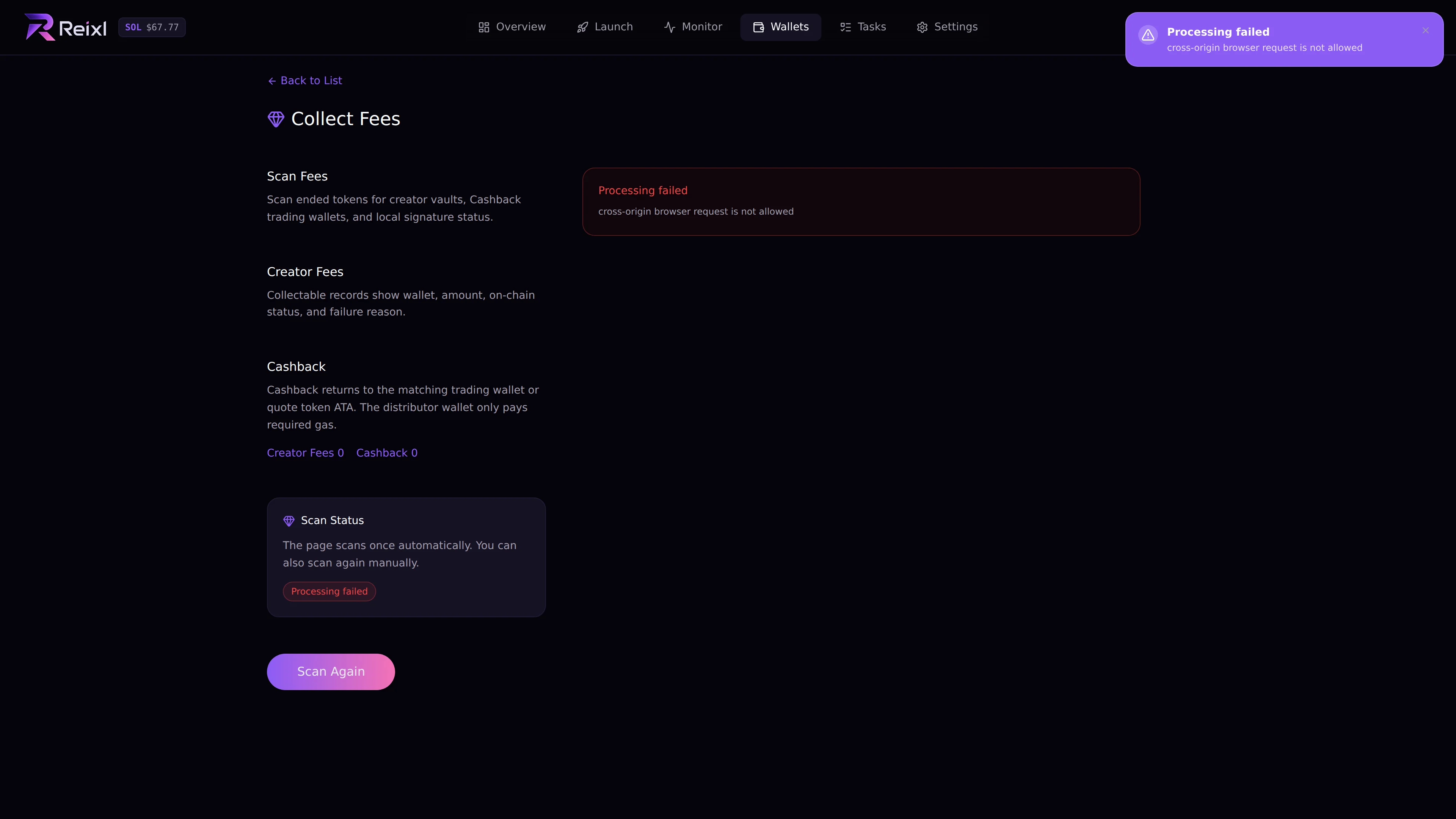
Revenue scans ended tokens for creator fees and cashback you may still be able to collect. Open Wallets > Revenue. Revenue and cashback

What it scans

  • creator fee items from ended tokens
  • cashback claims
  • whether each item is ready, collected, partial, failed, or missing a signer

Collect creator fees

  1. Open Revenue.
  2. Let the page scan.
  3. Review the Creator Fees tab.
  4. Collect one item or collect all available items.
  5. Check the result for partial or failed items.
Creator fees can show dev wallet, token, claimable amount, collected amount, received amount, signatures, and failure reason.

Claim cashback

  1. Open the Cashback tab.
  2. Review ready claims.
  3. Claim one item or claim all.
  4. Check confirmed, submitted, and failed counts.
Cashback can return to the related trading wallet or token account. Read the detail row before assuming the funds moved to Main Distributor.

If nothing appears

If nothing appears, there may be nothing claimable yet, or that token type may not be handled by this collector.