
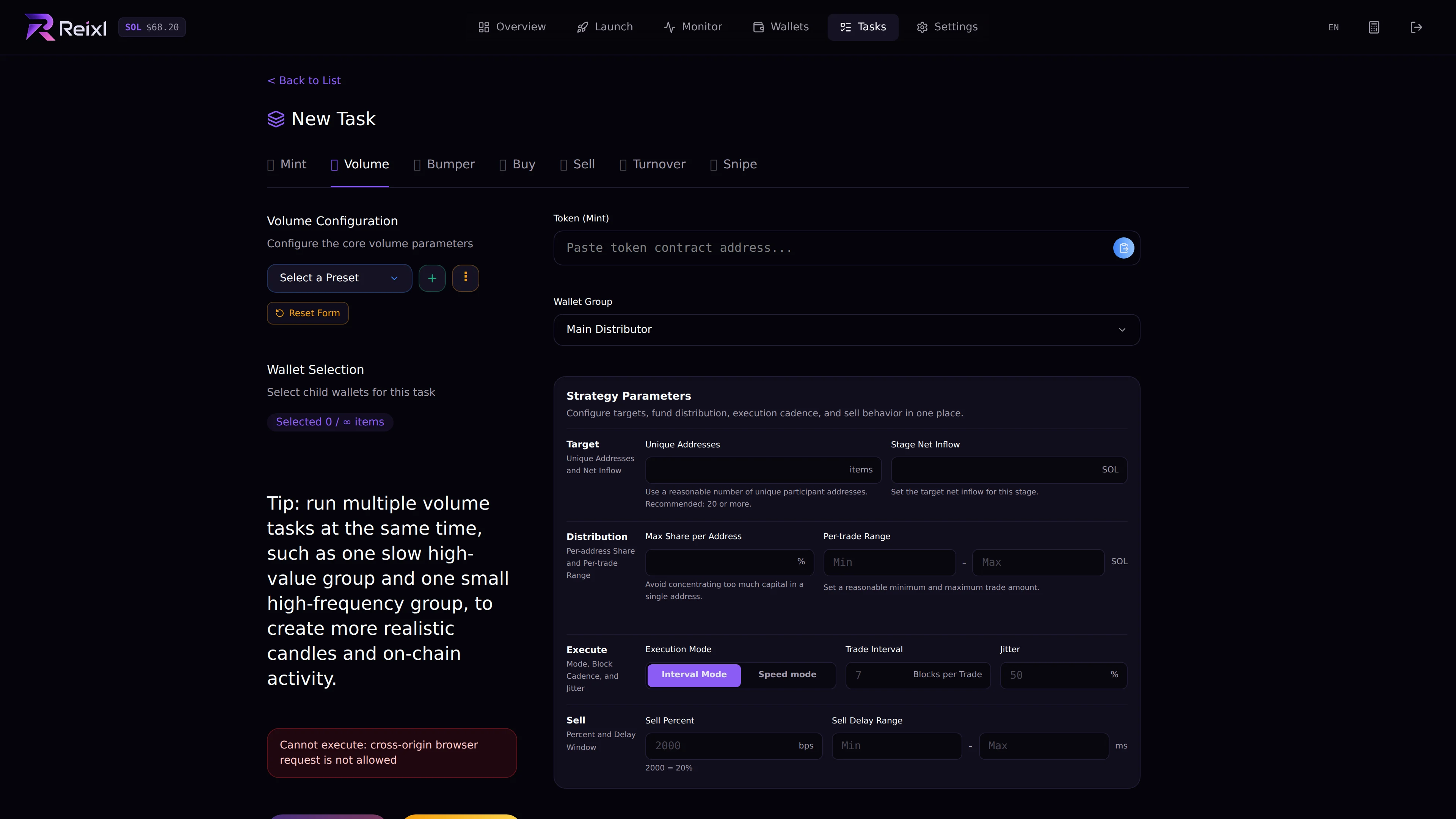
Presets and tactics save time when you repeat a setup. Volume preset controls

Presets

Volume has configuration presets. You can save, update, delete, clear, and reuse them. Use presets for settings such as amount range, buyer count, timing, and sell behavior.

Tactics

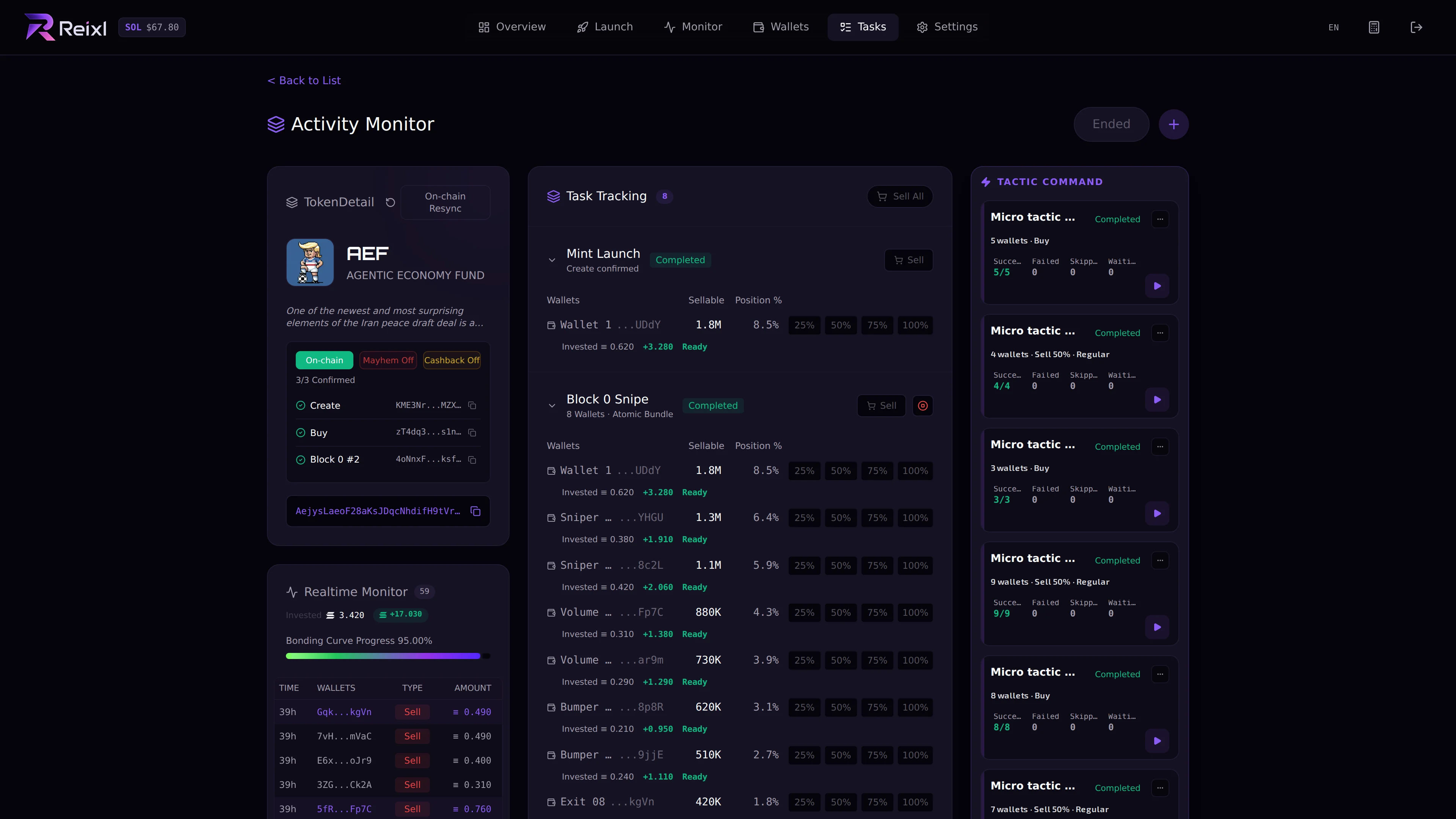
Tasks such as Volume, Bumper, Buy, Sell, Turnover, and Snipe can be saved as tactics when available. Saved tactics in task detail A tactic can also be marked to run after launch when that option is shown. In task detail, tactic cards can usually be executed. Some tactics can be deleted only if they do not already have execution history. If a Turnover tactic has history, disable it instead of deleting it.
Before reusing

Check:
  • target mint
  • Wallet Group
  • selected wallets
  • amount
  • timing
  • auto-run setting
Before reusing an old preset, treat it like a fresh setup and check every field again.