Unlock key
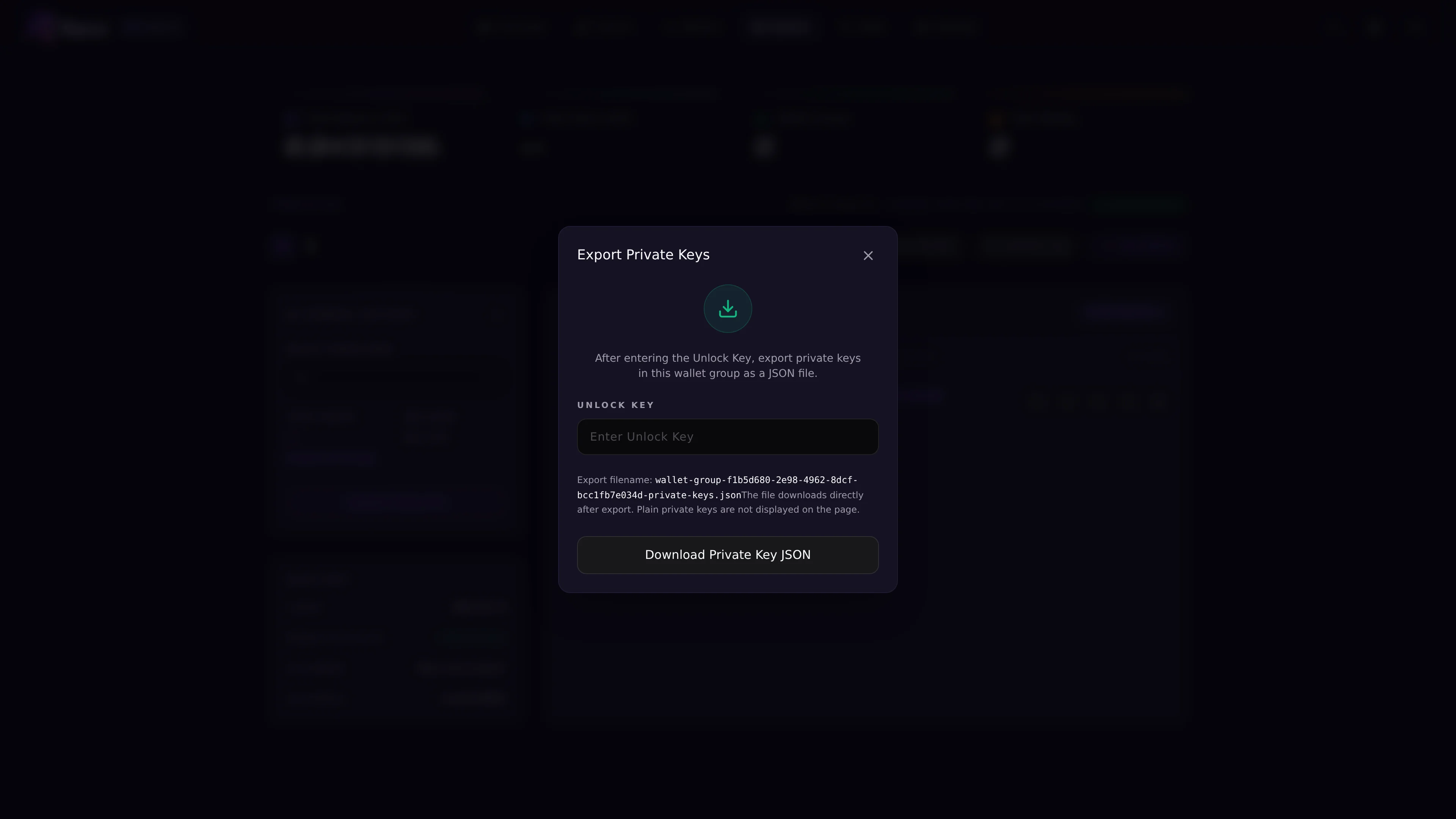
Some private key actions require an unlock key. If you have not set one, Reixl will ask you to create it before copying or exporting. Keep the unlock key private.Copy one private key
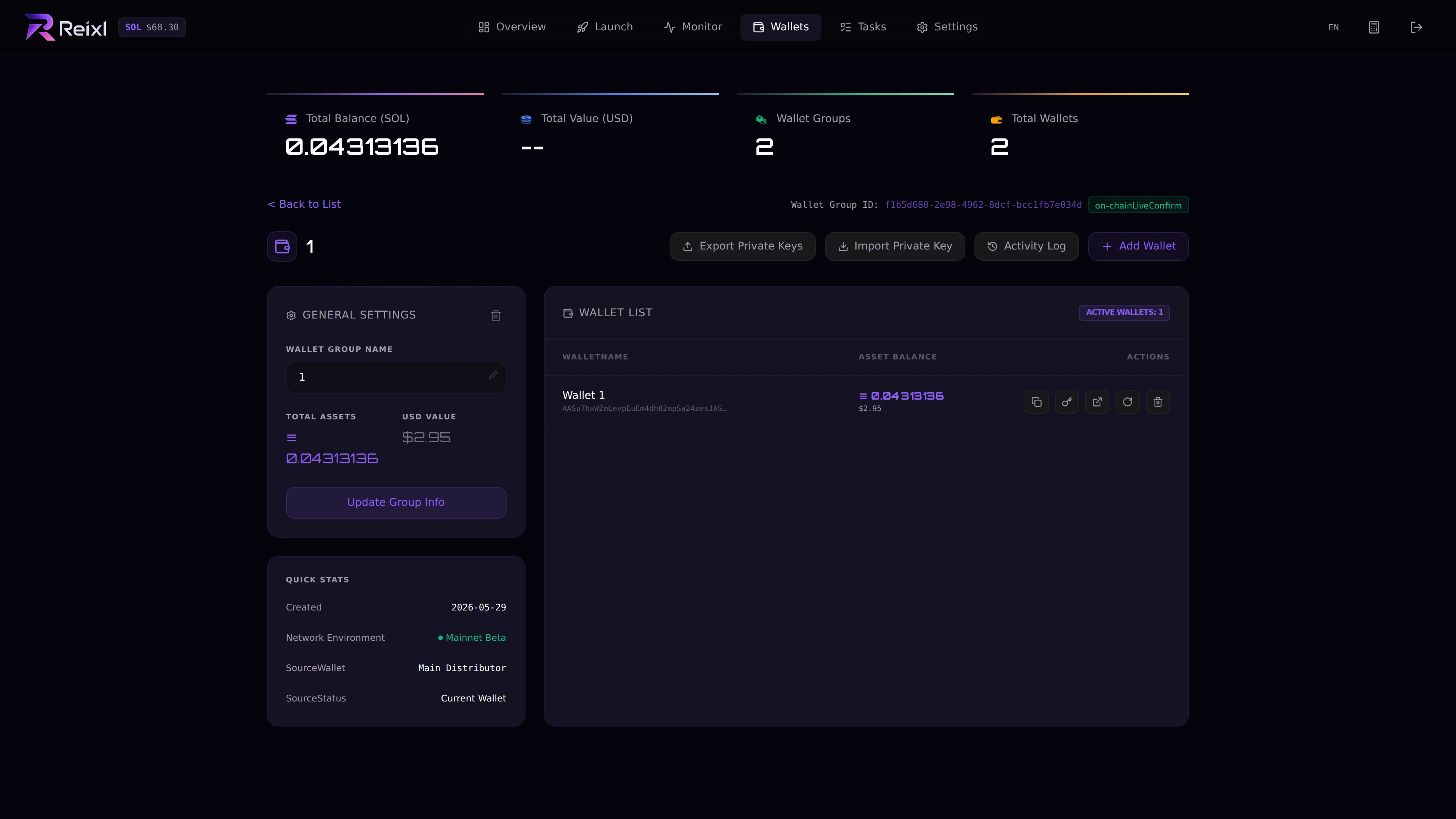
Use this when you need one wallet key.- Open the Wallet Group.
- Find the wallet.
- Click the key action.
- Enter or set the unlock key.
- Copy the key only when you are ready to store it privately.
Export group private keys
Use export when you need the full group.