
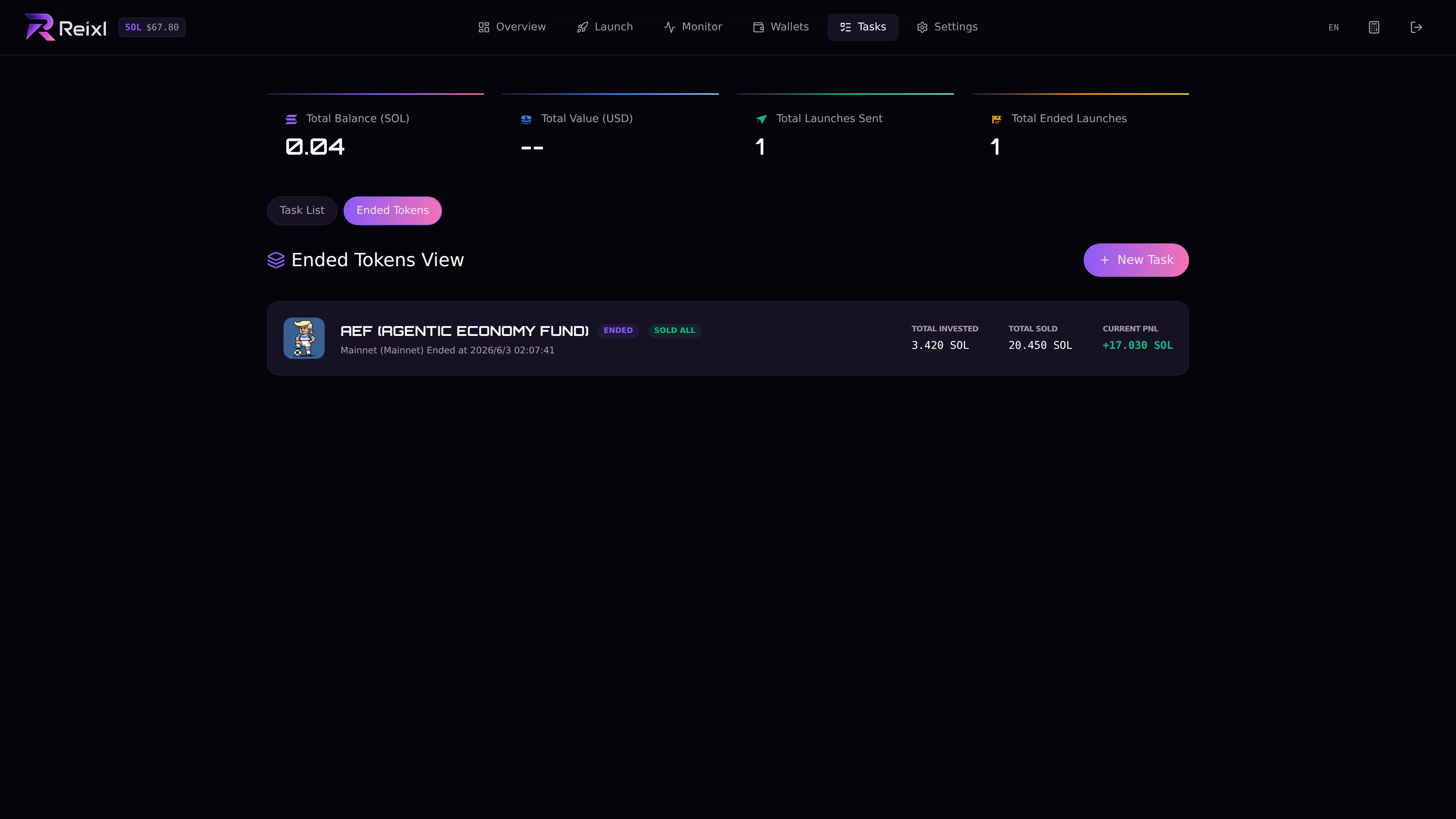
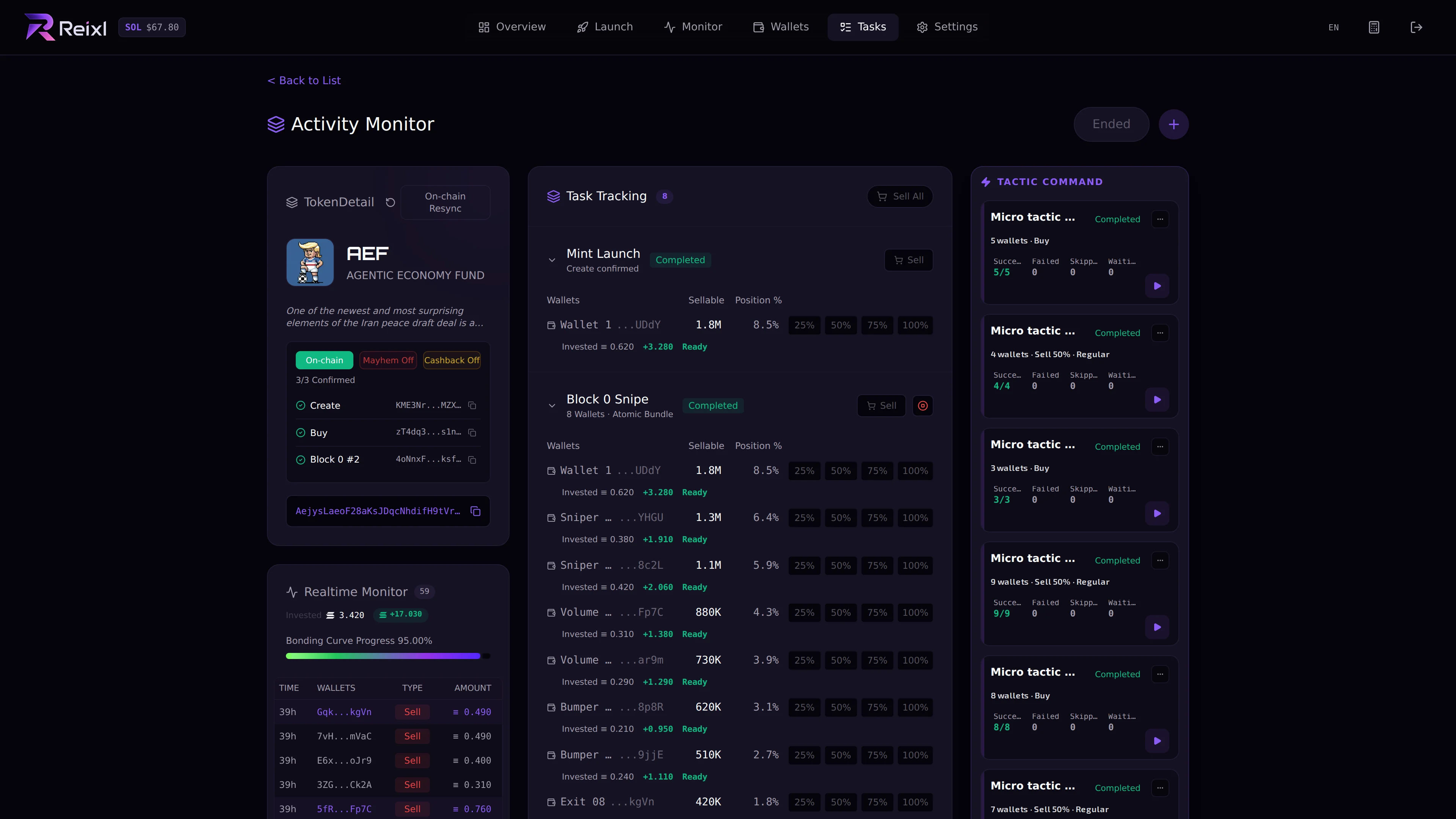
Stop, Sell, and End do different things. Ended tokens view

Controls

Task detail controls

Stop

Use Stop when you want the task to stop doing more work. After stopping, check the wallets. You may still need to sell or end.

Sell

Use Sell when wallets still hold tokens and you want to reduce or close that position. Depending on the task, you may see:
  • sell dev wallet
  • sell selected wallet
  • sell selected wallets
  • sell all wallets
After selling, wait for the result before sweeping.

End

Use End when the task should move into review. After ending, check PNL, refresh balances, and sweep only after cleanup.

If the task fails

Open the task detail first. Check what completed and what did not. Then choose retry, stop, sell, end, or gather the task details for troubleshooting.