
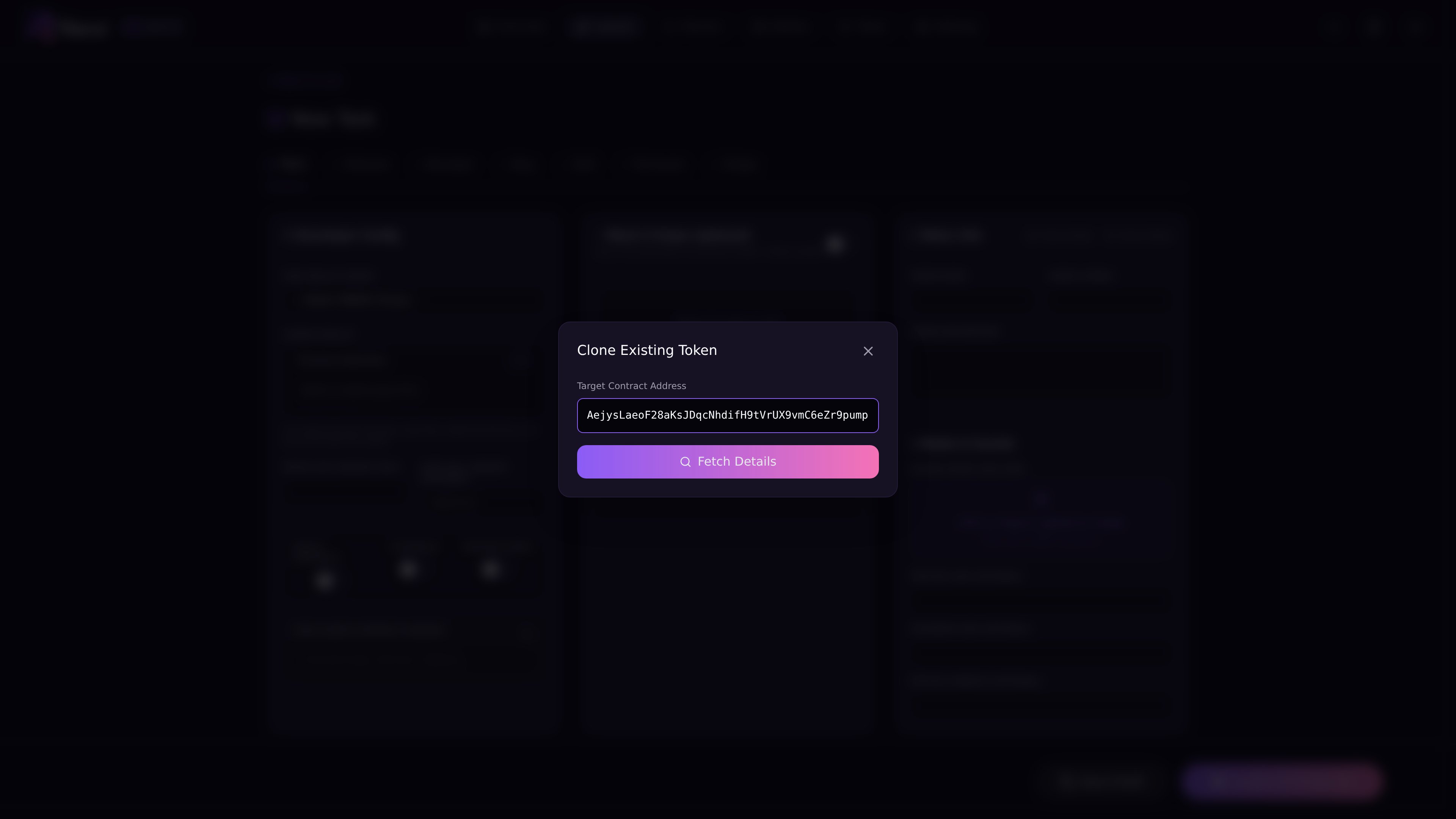
Clone From Mint starts a new draft from an existing mint. Paste the mint address, and Reixl will try to pull the name, symbol, image, and description into Mint. Clone existing token

Steps

  1. Open Launch or Tasks > New Task > Mint.
  2. Click Clone Token.
  3. Paste the mint address.
  4. Let Reixl load the token details.
  5. Review the filled fields.
  6. Edit anything that does not fit your launch.
  7. Choose wallets and first buy.
  8. Send only when ready.

What to review

If clone fails

Check the mint address first. If the address is correct but details still do not load, fill the draft manually. When you ask for help, include the mint address and a screenshot of the clone window. Clone saves typing. You still decide whether the draft is worth launching.